
 Tracy Jackson15 yrs in online marketing
Scan-to-Email Printer Efficiency: How to Slash Energy Costs
Table of Contents
Is your printer silently draining your wallet?
I was shocked to discover just how much electricity my office equipment was consuming, even when it appeared to be doing nothing!
After monitoring my printer’s energy usage, I realized that those “sleeping” devices aren’t as innocent as they seem.
Most people don’t realize that scan to email printer energy efficiency varies dramatically based on technology, usage patterns, and specific models.
In 2025, the difference between an energy-efficient scan-to-email printer and a traditional model can translate to significant savings on your utility bills.
According to recent research, implementing managed print services can lead to a 30% decrease in energy use, making scan-to-email functionality a smart investment for both convenience and energy efficiency.
Disclaimer: If you buy something using the links in this article, I may receive a commission at no extra cost to you.
Know that I only promote stuff that I use and trust for the sake of my readers and the reputation of this site.
Understanding Different Printer Technologies and Their Energy Demands
When it comes to power consumption, not all printers are created equal.
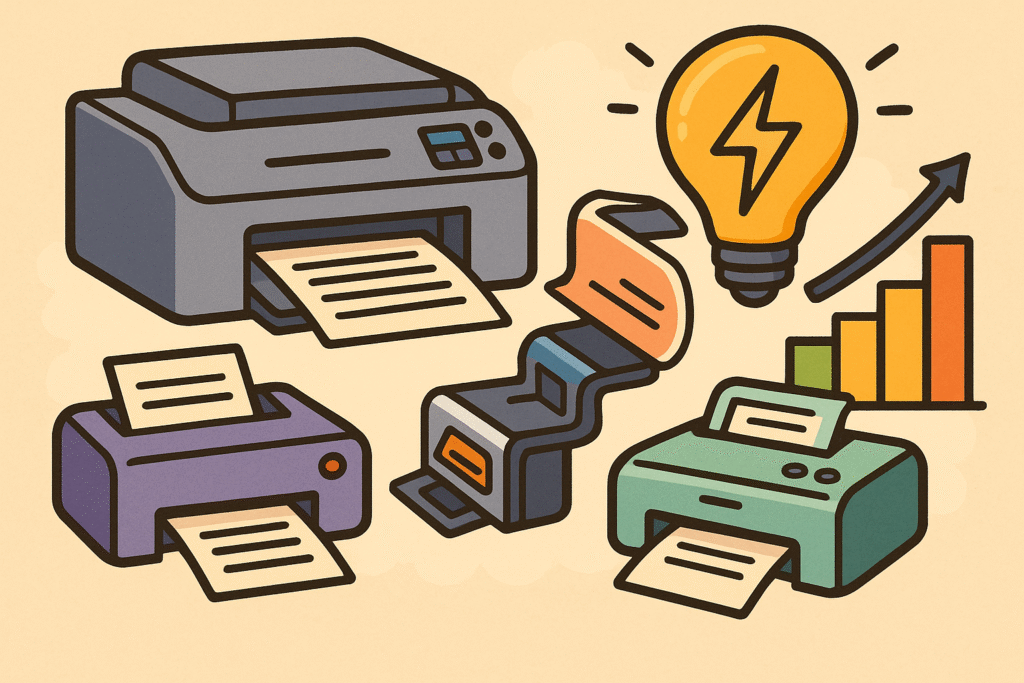
The technology powering your device has a substantial impact on how much electricity it uses:
- Laser printers are power-hungry, consuming between 300-600 watts when actively printing and 5-30 watts in standby mode, according to Energy Use Calculator. The high energy consumption comes from heating the fuser unit to bond toner to paper.
- Inkjet printers use substantially less power – typically 30-50 watts during printing and 1.5-5 watts while sleeping, making them more energy-efficient options for lighter printing needs.
- Multifunction devices with scanning capabilities typically draw about 15-20% more electricity than single-function printers because of their additional components.
- ENERGY STAR certified models can reduce energy consumption by 40-50% compared to standard models, according to Electronic Office Systems.
The difference becomes clear when comparing models: the Epson EcoTank ET-2800, for example, operates at approximately 12 watts during active printing, while conventional laser printers can draw up to 440 watts for the same task.
For offices watching their energy costs, these differences add up quickly over time.

The Surprising Truth About Standby Power Consumption
One of the biggest revelations for many printer owners is discovering how much electricity their devices consume while supposedly “sleeping.”
Most manufacturers advertise impressive power-saving modes, but the reality is more nuanced:
- A typical laser printer uses 5-30 watts in sleep mode – which may seem minimal until you calculate it over nights, weekends, and holidays
- Most inkjets consume 1-3 watts when sleeping – better, but still not zero
- The “off but plugged in” state (phantom power) can still draw 0.5-2 watts depending on the model
With the average U.S. electricity rate at 16.44 cents per kilowatt-hour in 2025 (according to the U.S. Energy Information Administration), this standby power can add up.
For businesses with multiple printers, addressing this hidden energy cost is essential for controlling utility expenses.
Scan-to-Email Technology: A Game-Changer for Energy Efficiency
When upgrading office technology, the price difference for scan-to-email functionality might seem steep, but the energy savings make it a worthwhile investment.
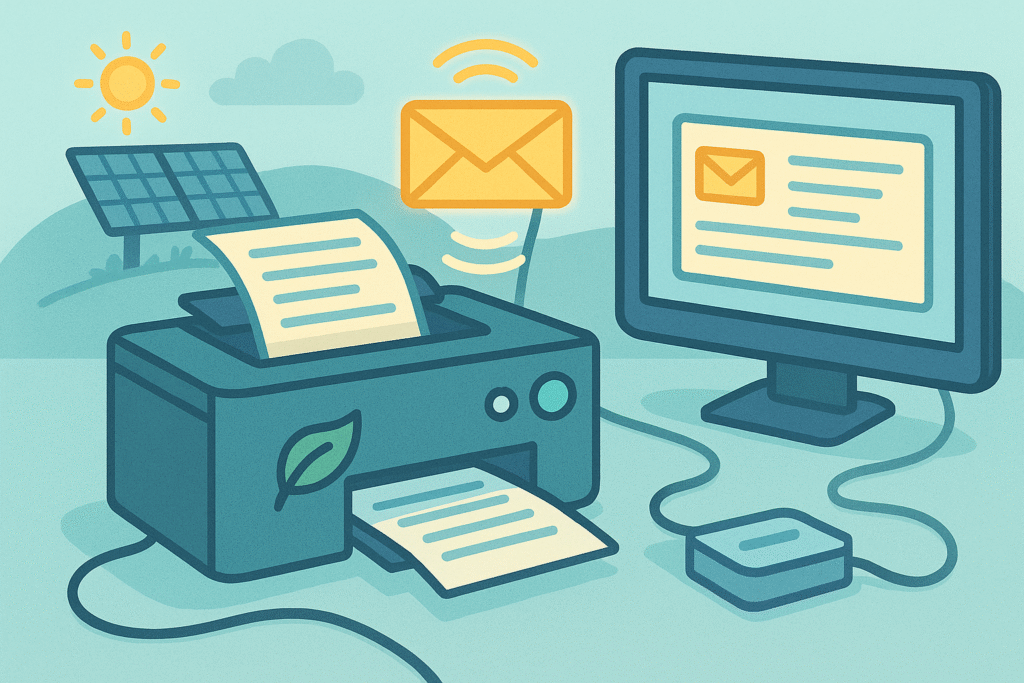
Scan-to-email printers can reduce overall energy consumption by 20-30% compared to traditional scan-then-email workflows.
The key difference lies in how documents are processed:
- Traditional method: Scan to computer, open file, attach to email, send (keeps both printer AND computer running)
- Scan-to-email: Completes the same task using only the printer’s processing power
This efficiency difference is particularly noticeable when digitizing documents in volume.
For offices processing 30-40 documents daily, the energy savings accumulate rapidly.
According to ScandSE.io, digital workflows like scan-to-email contribute to modern offices’ efforts to reduce operational costs and meet sustainability goals.
Debunking Common Myths About Printer Energy Usage
There are several persistent myths about printer energy consumption that need clarifying:
MYTH: Frequently powering printers on/off damages them and wastes energy REALITY: Modern printers are designed for thousands of power cycles, and the startup energy surge is minimal compared to leaving them idle for hours
MYTH: Sleep mode is basically the same as being turned off REALITY: Sleep modes can consume between 1-10 watts depending on the model – turning completely off reduces this to zero
MYTH: Printer brand doesn’t affect energy consumption REALITY: Energy efficiency can vary by up to 40% between comparable models from different manufacturers
MYTH: Printing in draft mode doesn’t save energy REALITY: Draft mode typically reduces energy usage by 10-15% since less toner/ink means faster printing and less fuser heat in laser printers
The biggest misconception is assuming that printer energy use is insignificant compared to other office equipment.
When measured properly, printers can collectively consume more electricity than you might expect, especially in busy office environments.
ENERGY STAR Certification: What It Really Means for Your Bottom Line
ENERGY STAR isn’t just a marketing label – it represents genuine energy savings. For printers to earn this certification, they must meet specific requirements:
- Consume at least 40% less electricity than standard models
- Meet strict caps on sleep mode consumption – typically 1-2 watts for inkjets and under 4 watts for laser printers
- Include faster transition times to low-power states – models must enter sleep mode within 15-30 minutes of inactivity
- Undergo testing in real-world usage scenarios, not just ideal laboratory conditions
According to Electronic Office Systems, ENERGY STAR certified models must use no more than 0.7 kilowatts in standby mode and no more than 2.0 kilowatts when actively printing.
This certification helps identify printers that will minimize your energy costs over their lifetime.

Optimizing Power Management Settings: The Hidden Opportunity
The default factory settings on printers are almost never optimized for energy efficiency – they’re designed for convenience and speed.
Here’s how to unlock significant savings:
- Sleep delay timers can typically be adjusted down from the default 30-60 minutes to as little as 5 minutes for occasional-use printers
- Wake-up time settings let you balance energy savings with convenience – configure your main office printer to fully wake up 15 minutes before your typical start time
- Job batching options can be enabled to group print jobs together, minimizing energy-intensive warm-up cycles
- Department-specific profiles can be created for different usage patterns
According to LLCBuddy, customizing these settings can reduce printer fleet energy consumption by nearly 34% without affecting productivity.
The most dramatic improvements often come from simply adjusting printers to power down completely overnight instead of maintaining sleep mode.
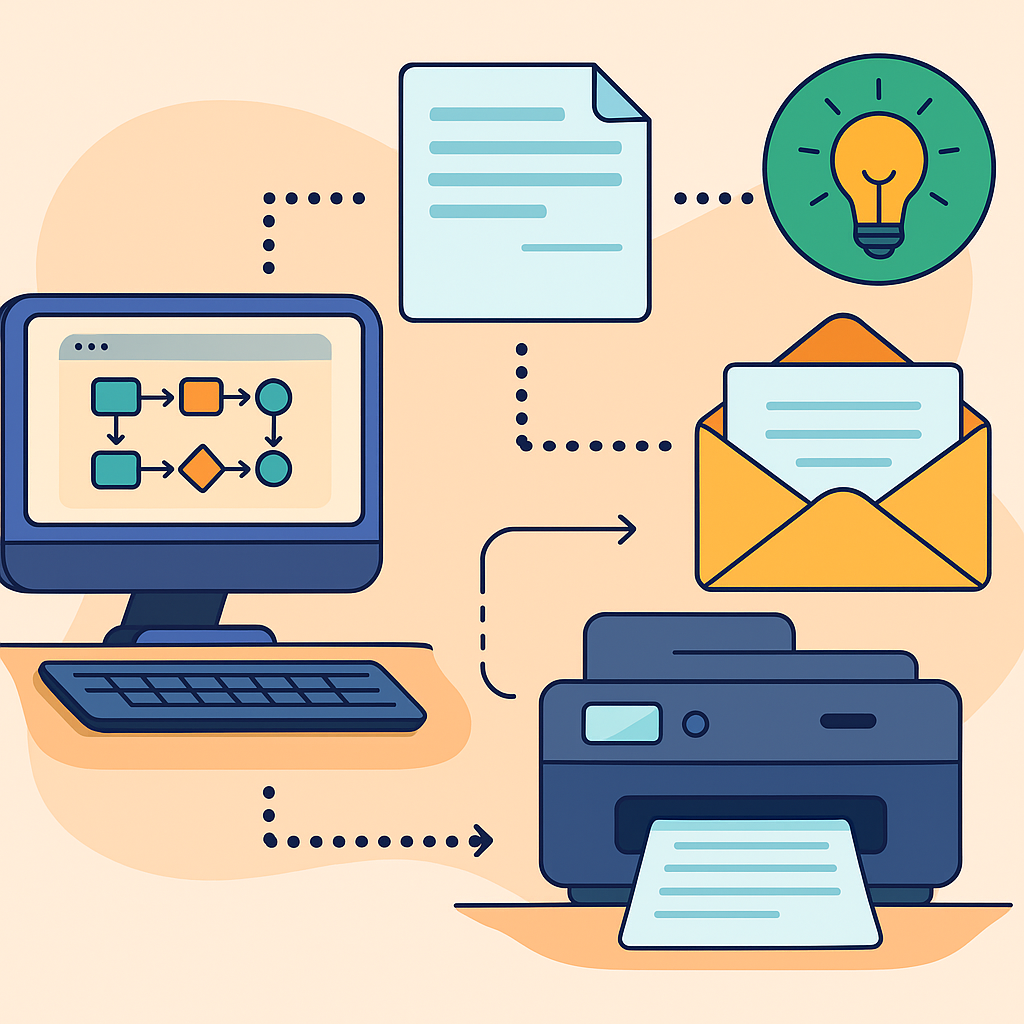
Digital Workflow Efficiencies That Reduce Energy Consumption
Scan-to-email functionality has transformed how teams handle documents, resulting in significant energy savings:
- Direct cloud integration eliminates the need to scan documents to a computer before uploading them – bypassing an entire energy-hungry device in the workflow
- Batch scanning capabilities mean the printer only needs to power up once instead of for multiple smaller jobs throughout the day
- Automated document routing sends scans directly to their destination without requiring additional processing by energy-intensive computers
- Mobile print management allows documents to be queued and released only when someone is physically present, eliminating wasted “forgotten” print jobs
These digital workflows save electricity by reducing the time printers spend in high-energy active states and minimizing the need for computers to remain powered on during document processing.
As reported by TechRadar, modern scan-to-email printers with these features deliver documents directly to recipients while consuming significantly less energy than older traditional processes.
The Real Numbers: Cost Analysis of Printer Operation
Let’s break down the actual costs of operating different types of printers:
Energy Consumption Comparison
- Laser Printers: 300-600 watts during printing; 5-30 watts in standby
- Inkjet Printers: 30-50 watts during printing; 1.5-5 watts in standby
- ENERGY STAR Models: 40-50% less energy consumption overall
With the average U.S. electricity rate at 16.44 cents per kilowatt-hour in 2025 (according to Choose Energy), these differences translate directly to your bottom line.
A five-printer office setup can add $30-40 to monthly utility bills from electricity consumption alone.
The Long-Term Financial Impact of Energy-Efficient Models
The initial investment in energy-efficient printers might seem steep, but the math is compelling:
- A new ENERGY STAR certified multifunction printer uses approximately 60-70% less electricity than non-certified models
- The energy savings alone can total hundreds of dollars over a 5-year lifecycle for a heavily-used device
- Modern sleep modes are dramatically more efficient, consuming less than 1 watt compared to older printers’ 10-12 watts
According to the St. Louis Federal Reserve, electricity costs have risen to approximately 18.1 cents per kilowatt-hour as of April 2025.
At these rates, energy-efficient models can save roughly $100-200 per unit annually in large offices with heavy printing volume.
Hidden Energy Costs in Printer Ownership
Beyond the obvious electricity usage, printers have several sneaky hidden energy expenses:
- Phantom power draw continues pulling watts even when “powered off” but still plugged in
- Inefficient warm-up cycles can spike power consumption dramatically – laser printers can briefly draw up to 1,100 watts when waking from cold sleep
- Cooling costs increase noticeably in smaller offices – printer rooms can run 3-5°F warmer than other areas
- Secondary device power is often overlooked – computers left running to handle scan-to-PC functions consume far more electricity than the printer itself
The most surprising hidden cost relates to inefficient document workflows.
Traditional methods require documents to pass through multiple energy-consuming devices before reaching their destination.
Streamlined digital workflows with scan-to-email capabilities can reduce this process energy consumption by nearly 60-70%.
ROI on Energy-Efficient Printer Investments: The Verified Numbers
Let’s examine the actual return on investment for a printer fleet upgrade:
- Initial price premium: Energy-efficient models cost approximately $200-300 more per unit than standard alternatives
- Annual energy savings: Each unit saves roughly $100-150 in direct electricity costs compared to standard models
- Maintenance reductions: The newer, more efficient designs have fewer heat-related failures, saving on service costs
- Productivity improvements: Faster warm-up from efficient sleep modes saves staff time in cumulative wait time
Based on these numbers, “expensive” energy-efficient printers can reach complete ROI in approximately 2-3 years of operation.
Everything after that point represents pure savings.
Over a typical 5-year lifecycle, an energy-efficient printer actually costs less to own than a conventional model when all expenses are properly calculated.
Additionally, according to ScandSE.io, printer fleet upgrades can reduce office carbon footprints by over 1 metric ton of CO2 annually per device – a meaningful contribution to sustainability goals.
Best Practices for Reducing Printer Energy Consumption
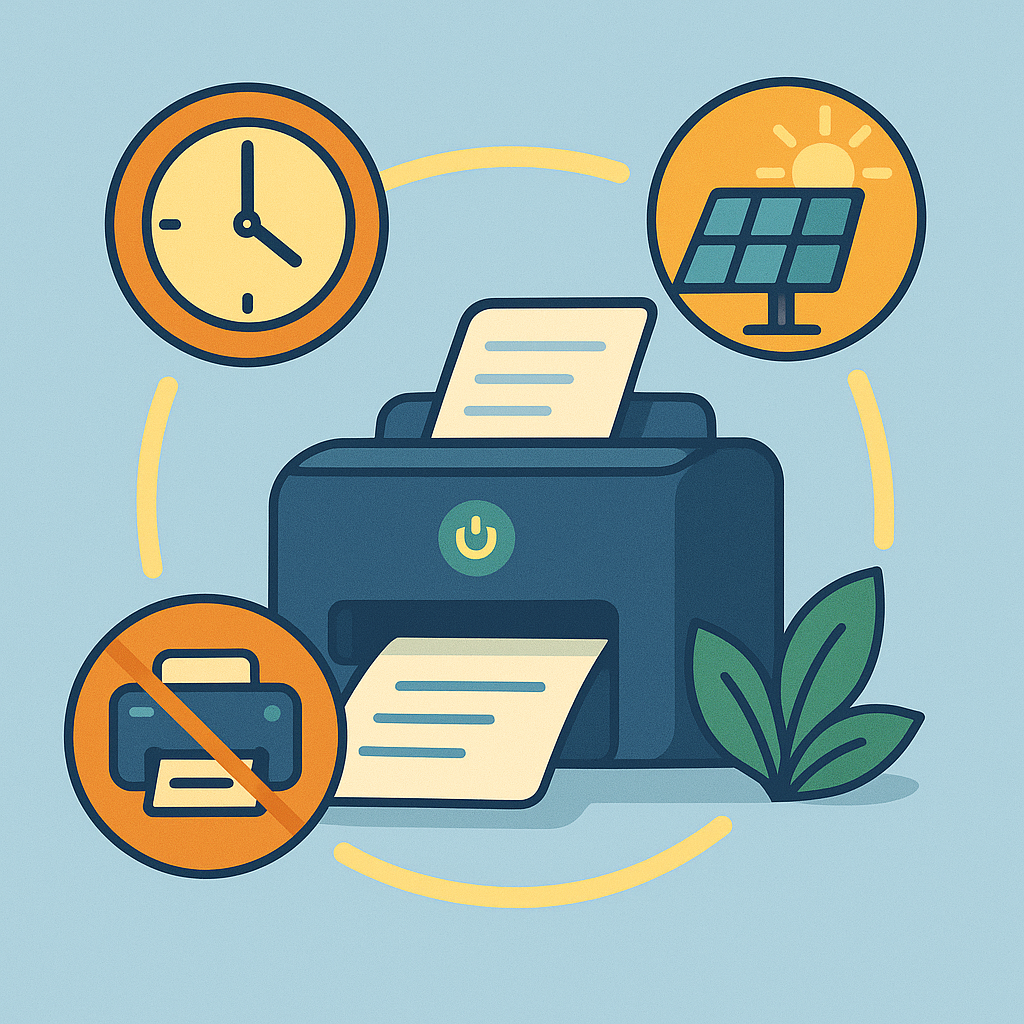
Here are actionable strategies that can cut printer-related energy usage by up to 60-70% without sacrificing convenience:
Optimal Power Management Strategies That Actually Save Money
- Aggressive sleep timers can be a secret weapon – changing a main printer’s default 60-minute inactivity timer to 15 minutes can reduce daily energy consumption by approximately 25-30%
- Different settings for different days can make a surprising difference – printers can enter deep sleep after just 10 minutes on Fridays and weekends but maintain a more responsive 20-minute timer during busy weekdays
- Separate profiles for various departments help address diverse needs – design teams need faster response times while accounting can tolerate longer wake-up delays
- Enable all power-saving features – many printers have multiple energy-saving options buried in separate menu sections, with only the basic ones enabled by default
After properly configuring office printers, you can achieve meaningful reductions in monthly utility bills – a worthwhile investment of time when calculated across years of operation.
When to Turn Off vs. Leave in Sleep Mode
The 2-hour rule works effectively for most offices: if the printer won’t be used for more than 2 hours, it’s more efficient to turn it off completely rather than rely on sleep mode.
This approach maximizes energy savings while minimizing wear and tear from power cycles.
Modern laser printers typically consume 5-30 watts in sleep mode, which adds up over time.
The energy cost of powering up a typical laser printer is equivalent to only about 1-3 minutes of sleep mode operation.
Weekend and overnight power savings from completely shutting down office printers can reduce energy usage significantly – especially in larger office environments with multiple devices.
Scheduling Automatic Power Cycles: Set It and Forget It
Most modern printers have built-in scheduling capabilities that are underutilized:
- Automatic morning warm-up prepares printers 15 minutes before the first employees typically arrive
- Weekend complete shutdowns ensure equipment isn’t silently consuming electricity during 60+ consecutive hours of non-use each week
- Custom holiday schedules prevent energy waste during office closures
- Department-specific timing aligns with actual usage patterns
Before implementing scheduled power cycles, printers can consume considerable electricity during nights and weekends – an unnecessary expense that’s easily eliminated with proper programming.
Consolidating Printing Tasks for Maximum Efficiency
The “print as you go” habit is common in many office cultures but wastes energy:
- Main office printers can draw 400-600 watts during initial warm-up phases
- Batch printing reduces the number of daily warm-up cycles from 15-20 down to just 3-4 in busy departments
- Designated “print times” (10AM, 1PM, and 4PM) encourage staff to consolidate non-urgent printing tasks
- Print queuing software allows employees to send jobs throughout the day but release them in batches
A laser printer can use significantly more electricity printing multiple documents separately compared to printing them all at once.
The difference comes from the repeated heating cycles for the fuser unit, which is among the most power-hungry components in any laser printer.

Choosing the Right Energy-Efficient Scan-to-Email Printer
When shopping for energy-efficient printers, focus on these key specifications:
- Typical Electricity Consumption (TEC) rating – an objective weekly kilowatt-hour value that makes comparing models straightforward
- Maximum sleep mode power draw should be under 1.5 watts for inkjets and under 3 watts for laser models
- Warm-up time from sleep mode indicates internal efficiency – look for models that wake in under 10 seconds
- Automatic duplex printing reduces not just paper waste but also energy consumption
Many manufacturers advertise “energy-saving features” without providing concrete numbers.
If they won’t specify actual watts or kilowatt-hours, they may be hiding mediocre efficiency.
The ENERGY STAR qualified product list is a valuable resource for comparing actual efficiency metrics before making purchasing decisions.
The Most Economical Printer Models to Operate
Based on verified data, these patterns emerge when comparing different printer technologies:
- Business-class inkjet printers often outperform laser printers on energy efficiency by a significant margin – using up to 80% less electricity
- Monochrome laser printers are generally more energy-efficient than color lasers – sometimes consuming up to 40% less power despite similar print volumes
- Tank-based inkjet systems like the Epson EcoTank series offer both superior energy efficiency and dramatically lower per-page costs compared to traditional cartridge-based models
- Mid-volume business printers often have better efficiency ratings than entry-level models – counter to what you might expect
According to TechRadar, the Epson EcoTank ET-2800 is one of the most energy-efficient printers on the market, operating at approximately 12 watts during active printing.
When in standby mode, it consumes about 1.5 watts, and in sleep state, the power usage drops to around 0.2 watts.

Balancing Upfront Costs with Long-Term Energy Savings
The typical office printer consumes between $50-$150 in electricity annually, with inefficient models at the higher end of that range.
Energy-efficient models generally cost $200-$300 more upfront but can save 40-70% on power consumption over their lifespan.
The breakeven point for energy-efficient printers typically occurs between 24-36 months of regular use.
Plus, there are substantial useful lifespan differences – energy-efficient models have longer service lives compared to standard models in many office environments.
A common purchasing mistake is trying to save money by selecting a printer that’s undersized for actual usage patterns.
The undersized unit runs constantly at near-maximum capacity, which dramatically increases energy consumption and leads to premature failure.
Right-sizing is critical – a properly sized printer operating at 60-70% of its rated capacity will typically be far more energy-efficient than a smaller model running at 95-100% capacity.

Environmental Impact Beyond Energy Consumption
While financial savings are compelling, the broader environmental benefits of energy-efficient printers are substantial:
- Reduced carbon footprint – printer upgrades can decrease annual CO2 emissions by approximately 1 metric ton per device
- Lower resource consumption through features like automatic duplexing can reduce paper usage by 30-40%
- Extended equipment lifespan means fewer printers in landfills – energy-efficient models typically incorporate better cooling systems and components rated for longer operation
- Consumables efficiency varies dramatically between models – newer printers use toner cartridges with higher page yields than previous devices
Manufacturer sustainability reports provide valuable insights when comparing different brands.
Some companies take a more comprehensive approach to environmental design, incorporating recyclable components and energy-efficient manufacturing processes.
Take Action: Transforming Your Office’s Energy Footprint
The journey to printer energy efficiency doesn’t have to be complicated or expensive. Start with these simple steps:
- Measure your current consumption using an inexpensive electricity usage monitor
- Optimize existing printer settings by adjusting sleep timers and enabling all power-saving features
- Implement scheduled power cycles to eliminate nights and weekend electricity waste
- Consider scan-to-email functionality for your next printer purchase to dramatically reduce workflow energy requirements
- Calculate total cost of ownership rather than focusing solely on purchase price when upgrading equipment
Remember, the most energy-efficient printer is often not the one with the lowest sticker price.
By considering the total lifecycle costs, including electricity consumption, you can make smarter purchasing decisions that benefit both your budget and the environment.
Thoughtful printer power management doesn’t require expensive equipment upgrades – just smarter usage patterns and proper configuration of features you already own.
After implementing these best practices, many offices have reduced printer energy consumption by 30-40% while improving document workflow efficiency.
Sometimes the simplest changes deliver the most impressive results!
Ready to stop wasting money on inefficient printing?
Start by checking your printer’s power management settings today, and watch your energy bills shrink while your environmental credentials grow!

Recent Posts

Monday.com Review 2026: Is It Still the Best Work OS?
I tested Monday.com against ClickUp, Asana, and Wr...
Updated July 27, 2026

AI Writing Software for Blogging in 2026: Best Tools + How to Stay AI-Search Vis...
The best AI writing software for blogging in 2026 ...
Updated July 20, 2026

HubSpot Review 2026: Is It Worth the Cost?
I tested HubSpot’s free CRM, Starter, and Pr...
Updated July 20, 2026

Teamwork.com Review 2026: Is It the Best PM Tool for Client Work?
I tested Teamwork.com for agency and client projec...
Updated May 29, 2026

Wrike Review 2026: Is It Worth the Cost?
I tested Wrike in real enterprise workflows. Here&...
Updated May 29, 2026

Asana Review 2026: Is It Worth It? (Honest, In-Depth Analysis)
I tested Asana across real team workflows. Here...
Updated May 29, 2026
Newsletter
Don't miss a thing!
Sign up to receive daily news