
 Tracy Jackson15 yrs in online marketing
Scan to Email File Formats 2025: Which Format Works Best?
Table of Contents
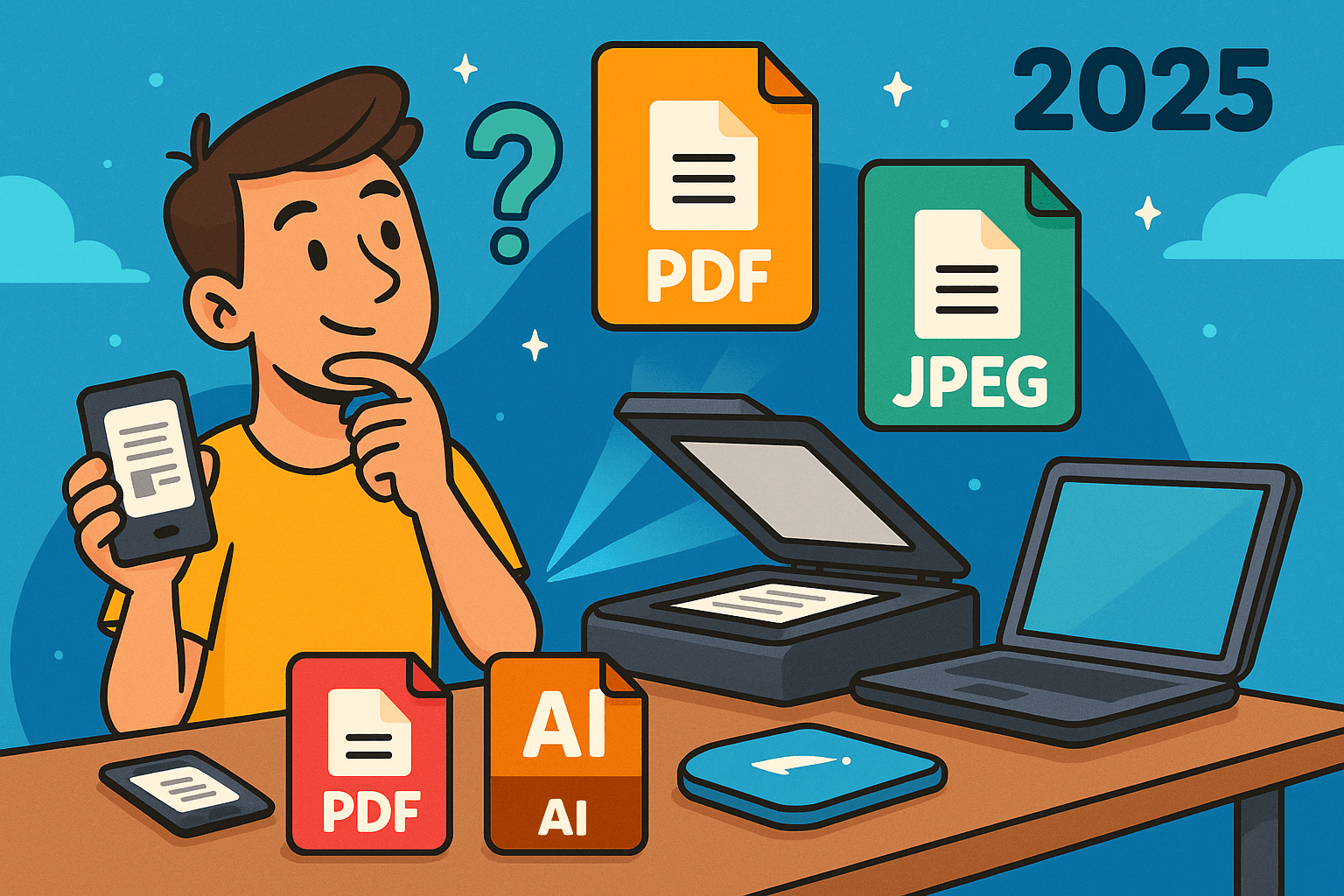
Ever stared blankly at those file format options when scanning a document to email?
You’re not alone!
With so many choices—PDF, TIFF, JPEG, PNG—picking the right format can feel overwhelming.
But choosing correctly makes all the difference between sending perfectly preserved documents and creating frustrating compatibility nightmares for your recipients.
In this comprehensive guide, we’ll explore the best scan to email file formats for 2025, breaking down exactly when to use each one.
Whether you’re digitizing important business documents, preserving cherished family photos, or just trying to send something quickly, I’ll walk you through everything I’ve learned after years of scanning adventures!
Understanding Common File Formats for Scanning and Emailing
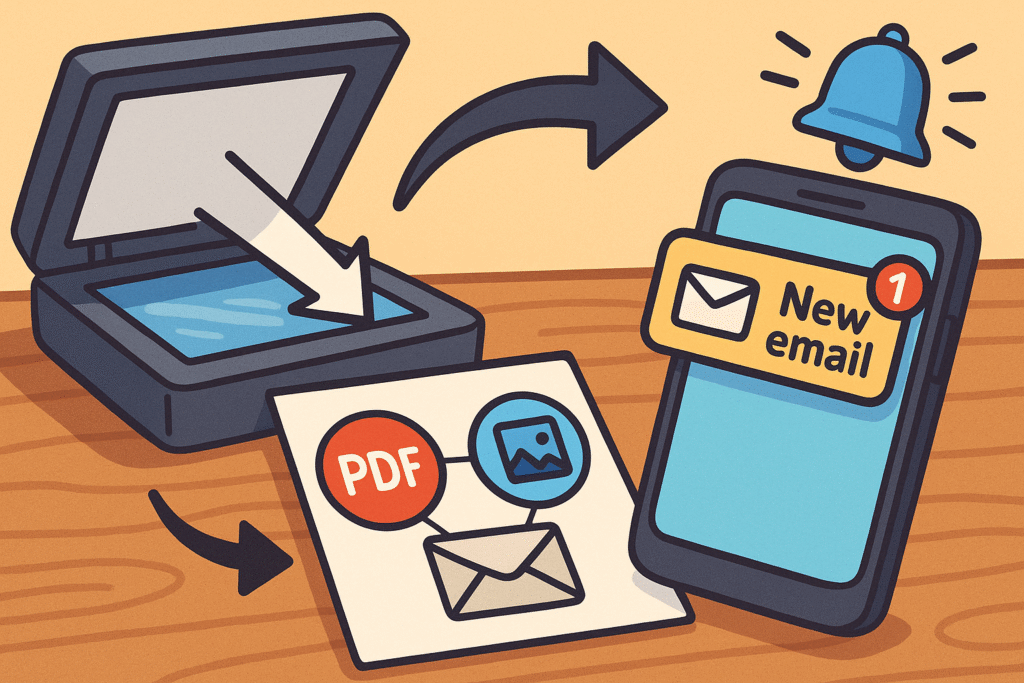
Before diving into specific recommendations, let’s get familiar with the four major contenders in the scan-to-email world:
PDF (Portable Document Format)
Created by Adobe in 1993, PDF has become the go-to format for most office documents.
Its universal compatibility means your document displays exactly as intended no matter what device opens it—a crucial feature when sending important scans via email.
PDFs excel at handling multi-page documents, maintaining formatting, and offering searchability through OCR technology.
If you’ve ever received a scrambled document because it was sent in the wrong format, you understand why PDF is considered the universal standard for document sharing.
TIFF (Tagged Image File Format)
TIFF was once the gold standard for professional scanning, created back in 1986 by Aldus Corporation (later acquired by Adobe).
What makes TIFF special is its ability to create a true, unaltered picture of the original document with exceptional quality.
The format preserves complete integrity and offers superior image quality, making it ideal for archival purposes.
However, when it comes to email compatibility, TIFF presents significant challenges due to its large file size and limited support in many email clients.
JPEG/JPG (Joint Photographic Experts Group)
Anyone who’s taken a digital photo is familiar with JPG files.
Developed in 1992, JPEG uses “lossy compression” to create smaller file sizes at the expense of some image quality.
This makes JPEG perfect for photographs and colorful documents when file size matters, but less ideal for text-heavy documents where compression can make text fuzzy or unreadable, especially after repeated edits.
PNG (Portable Network Graphics)
PNG was created in 1996 as an improved replacement for GIF files. Unlike JPG, PNG uses “lossless compression,” which means your images are saved without losing any data or details.
This makes PNG excellent for scans containing text, diagrams, or logos that need to maintain crystal-clear lines.
The downside?
The files are usually larger than JPEGs, though still more manageable than uncompressed TIFFs.
Best Formats for Emailing Scanned Documents
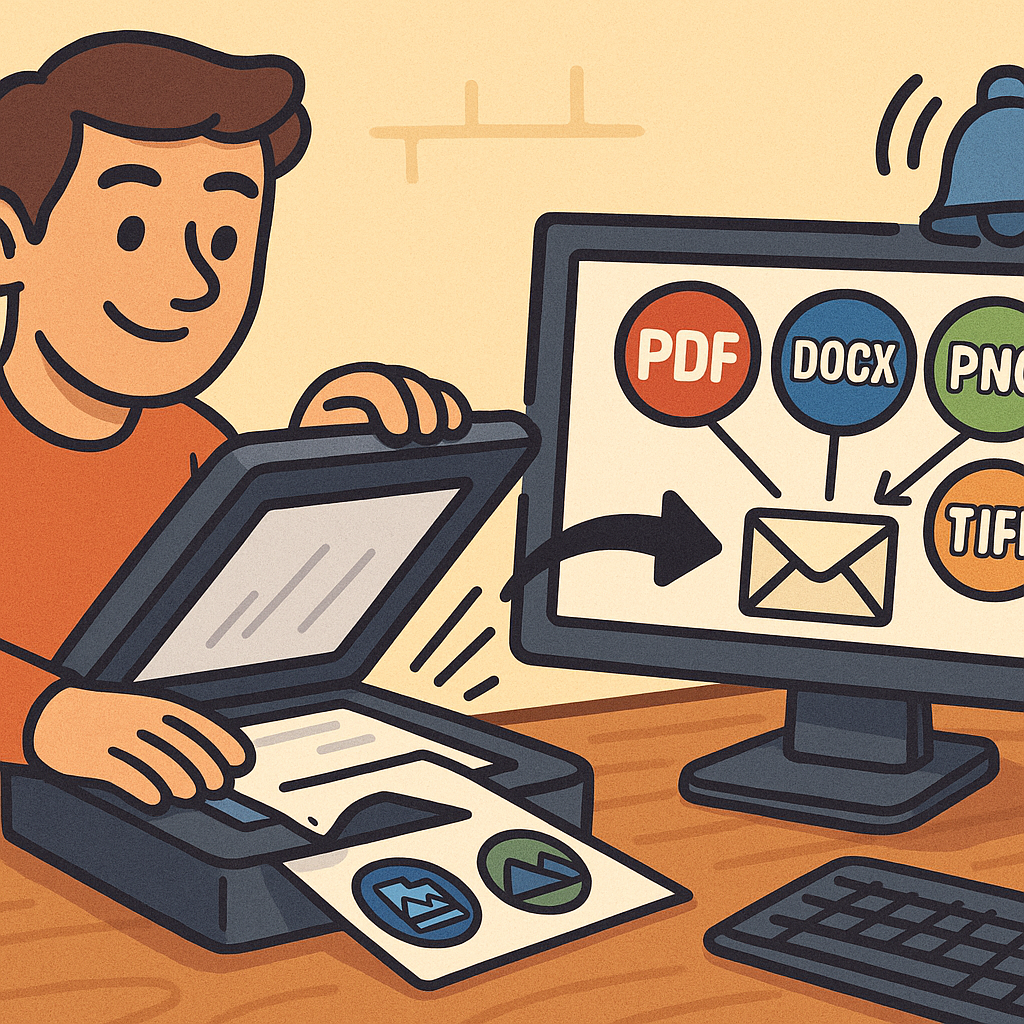
When it comes to actually sending your scans via email, not all formats are created equal. Here’s what works best based on real-world experience:
PDF: The Email Champion
Best for: Multi-page business documents, forms, contracts, and anything that needs to maintain its formatting
PDF dominates the scan-to-email landscape for good reason. It offers the perfect balance between quality and file size while providing universal compatibility across devices.
Most email systems easily handle PDFs up to 10MB, and recipients don’t need special software to view them.
Even better, PDFs offer built-in security options including password protection and permissions controls—crucial when emailing sensitive information.
For searchability, PDF with OCR (Optical Character Recognition) lets recipients find specific text within your scanned document, a feature other formats can’t match.
As experts at Adobe note, “PDF was created to be operable in a variety of scenarios and independent of software and hardware,” making it incredibly versatile for email attachments.
JPEG: The Quick and Easy Option
Best for: Simple photographs, colorful marketing materials, and non-critical documents
When speed and file size are your primary concerns, JPEG is hard to beat. Its highly efficient compression makes it ideal for situations where:
- You need to email scans quickly with minimal bandwidth
- You’re sharing images that don’t contain important text
- File size limitations are strict
- Recipients only need to view (not edit) the content
The trade-off is clear: JPEGs sacrifice some quality for dramatic file size reduction. For photographs, this compression is often barely noticeable.
For text documents, however, JPEG compression can make fine print difficult to read.
PNG: The Text-Friendly Alternative
Best for: Screenshots, diagrams, and documents with text that needs to remain crisp
PNG strikes a nice middle ground between JPEG’s small file size and TIFF’s quality.
For emailing scanned documents that contain text but don’t need the full feature set of PDF, PNG is an excellent choice.
PNG’s lossless compression ensures all text remains sharp and readable, while keeping file sizes reasonable for email transmission.
This format also supports transparency, which can be useful for logos or graphics that need to be placed on different backgrounds.
For documents where text clarity is essential but you don’t need multi-page support or searchability, PNG delivers excellent results without overwhelming email systems.
TIFF: The Problematic Attachment
Best for: Very rarely used for email due to size and compatibility issues
Despite TIFF’s outstanding quality for scanning and archiving, it’s generally a poor choice for email attachments. Many email clients don’t natively support TIFF, meaning recipients often can’t view the files without downloading additional software.
File size is an even bigger concern—uncompressed TIFFs can easily exceed most email size limitations. If you absolutely must send a TIFF via email, compression is essential, and even then, expect potential delivery problems.
Most professionals maintain TIFF as their master archival format but convert to PDF before sending via email.
Email Compatibility Challenges and Solutions
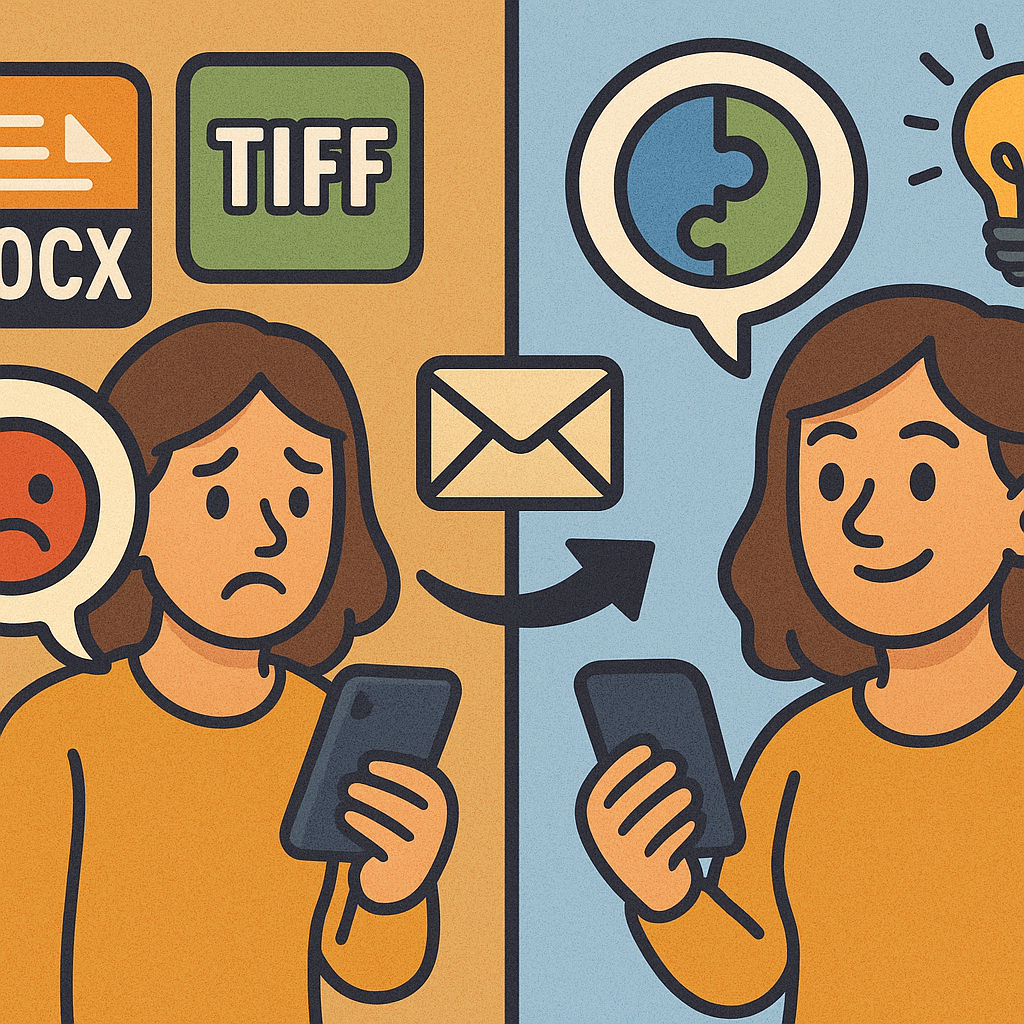
Even the best scanning formats can encounter problems when sent through email systems. Here’s how to navigate those challenges:
Size Limitations and Compression Strategies
Most email systems impose attachment size limits between 10-25MB, which can be easily exceeded by high-resolution scans. To avoid bounced emails and delivery failures:
- Use appropriate resolution: 300 DPI is sufficient for most document scans
- Convert to PDF: Use PDF compression to reduce file size while maintaining readability
- Split large documents: Break multi-page scans into several smaller files
- Use cloud storage links: For very large scans, consider sending a download link instead of an attachment
Modern PDF software offers optimization options specifically designed for email, automatically balancing quality and file size.
Maintaining Quality During Compression
When compressing scans for email, quality loss is a legitimate concern. Here’s how to minimize degradation:
- For text documents: Use PDF with text optimization rather than image-based formats
- For photographs: Use higher-quality JPEG settings (80-90%) for important images
- For mixed content: Choose PDF with selective compression that preserves text clarity
- Always keep an uncompressed master copy before creating email-friendly versions
As a rule of thumb, the more text your document contains, the more you should avoid lossy compression formats like JPEG.
Recipient Compatibility Considerations
The best scan format is the one your recipient can actually open. Consider these compatibility factors:
- Universal support: PDFs can be opened on virtually any device
- Mobile viewing: PDFs and JPEGs display well on smartphones and tablets
- Mac vs. Windows: Format compatibility issues are less common with PDFs than with TIFFs
- Software requirements: Unlike specialized formats, PDFs can be viewed with free readers
- Web compatibility: For scans that may need to be viewed in browsers, PDF and JPEG offer the best support
When in doubt about recipient capabilities, PDF remains the safest choice for scanned documents.
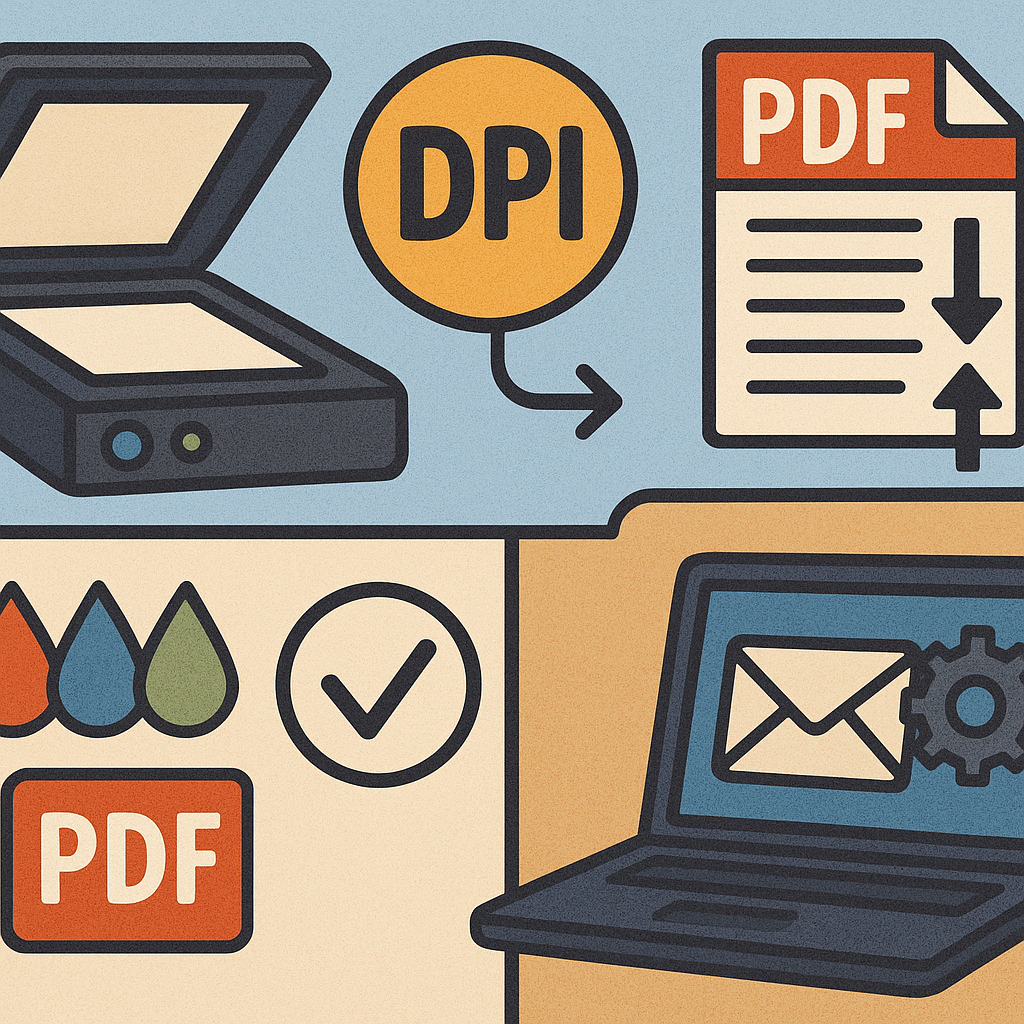
Technical Specifications for Optimal Email Scanning
Creating email-friendly scans isn’t just about choosing the right format—it’s also about selecting appropriate technical settings:
Resolution (DPI) Recommendations
Finding the right resolution balances quality and file size:
- 200-300 DPI: Perfect for standard office documents and regular business needs
- 300-400 DPI: Best for documents with small font sizes (under 10pt) or fine details
- 100-150 DPI: Acceptable for quick, informal scans where file size is critical
Higher resolution doesn’t always mean better results for email purposes.
In fact, excessive resolution often creates oversized attachments without providing noticeable quality improvements for the recipient.
Color Settings for Different Document Types
Color settings dramatically impact both file size and readability:
- Black & White (1-bit): Use for text-only documents to minimize file size (up to 90% smaller than color)
- Grayscale (8-bit): Best for documents with shading or when OCR accuracy matters
- Color (24-bit): Reserve for documents where color information is important
For most business documents, black and white or grayscale scanning provides the best balance between clarity and email-friendly file sizes.
Compression Options and Quality Trade-offs
Different compression methods suit different document types:
- Lossless (like ZIP or LZW): Use when quality preservation is critical
- Lossy (like JPEG): Acceptable for non-critical documents where file size matters more
- MRC compression: Modern PDFs can use Mixed Raster Content compression to optimize different parts of the document differently (text vs. images)
Understanding these technical specifications helps you make informed decisions about how to scan documents specifically for email transmission.
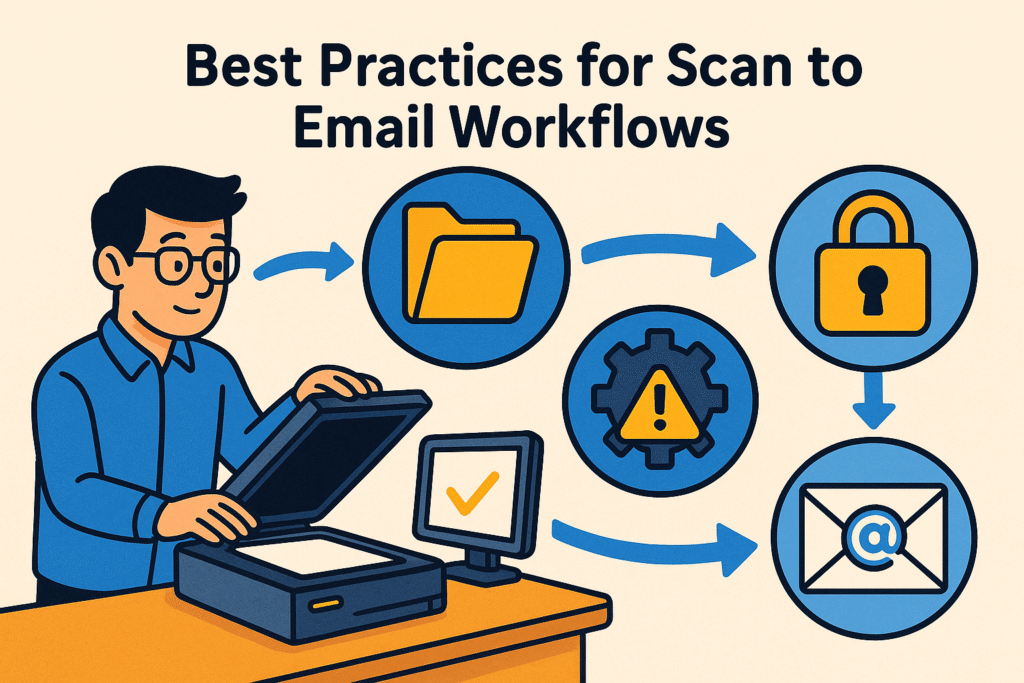
Best Practices for Scan to Email Workflows
After years of trial and error, I’ve developed these best practices for efficient scan-to-email workflows:
Pre-Scanning Preparations
- Clean the scanner glass: Always wipe the scanner bed before each session
- Organize documents: Remove staples and straighten pages
- Check document condition: Smooth creases and tears that might affect scan quality
- Consider content type: Identify whether your document is primarily text, images, or mixed content
Taking these simple steps before scanning prevents quality issues that no format can fix.
Optimizing Scanner Settings for Email
- Use scan-to-email presets: Many scanners offer optimized presets specifically for email
- Save commonly used settings: Create profiles for different document types
- Enable auto-straightening: Correct slight misalignments automatically
- Use blank page detection: Automatically remove empty pages when scanning multi-page documents
Modern scanners offer sophisticated options that can dramatically improve email-ready output quality.
Testing Before Sending Important Documents
Before sending critical documents via email:
- Send a test copy to yourself: Verify how the document appears when received
- View on different devices: Check readability on both computers and mobile devices
- Confirm file size: Ensure the attachment doesn’t exceed recipient limits
- Verify OCR functionality: If using searchable PDF, test that text is actually searchable
This simple verification process can prevent embarrassing and potentially costly document transmission problems.
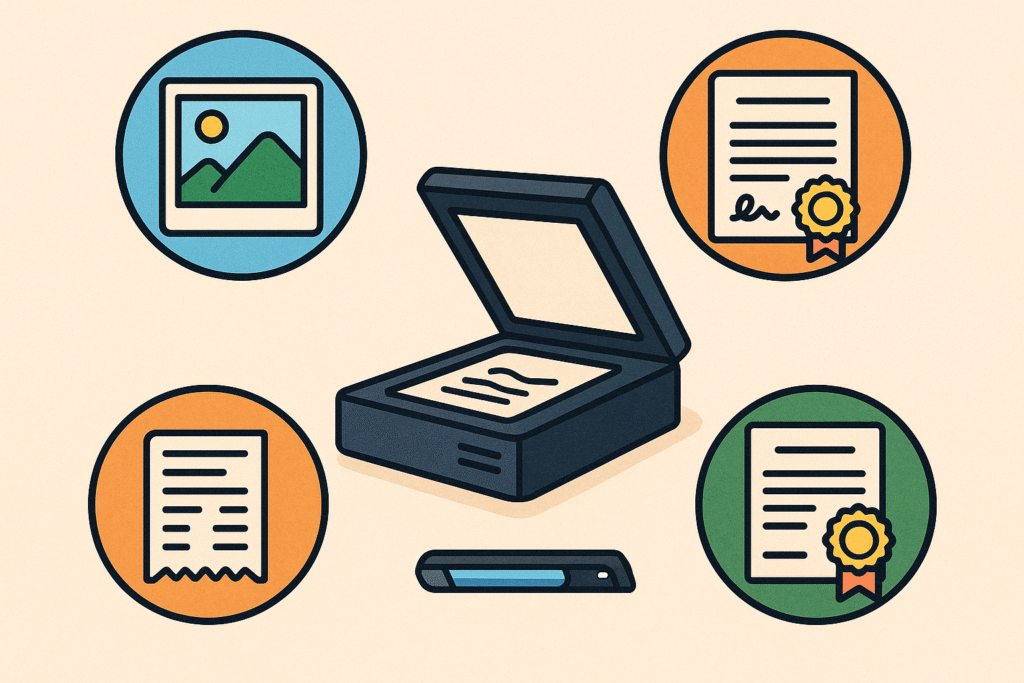
Special Considerations for Different Document Types
Different types of documents have unique scan-to-email requirements:
Business and Legal Documents
For contracts, agreements, and other legal documents:
- Use PDF with OCR: Creates searchable, professional-looking documents
- Consider PDF/A format: This specialized version of PDF is designed for long-term archiving
- Enable security features: Password protection and permissions for sensitive content
- Include digital signatures: Many PDF tools support electronic signing functionality
The stakes are higher with legal documents, making format choice even more critical.
Photographs and Artwork
When scanning visual content for email:
- Use JPEG for casual sharing: Best for quick viewing
- Consider PNG for illustrations: Better preserves line art and graphics
- Maintain color accuracy: Use color profiles when available
- Adjust compression based on importance: Use less compression for significant images
Remember that emailing is typically not ideal for high-quality photo sharing—consider specialized photo sharing services instead.
Mixed Content Documents
For documents containing both text and images:
- PDF excels at mixed content: Can optimize text and images differently
- Consider PDF’s advanced compression: MRC technology separates text and images for optimal compression of each
- Maintain formatting integrity: PDF preserves the relationship between text and images better than other formats
Brochures, newsletters, and reports with both text and graphics are particularly well-suited to PDF format for email.
The Future of Scan to Email Formats
As scanning and email technologies continue to evolve, keep an eye on these emerging trends:
Newer Formats Gaining Traction
Several newer formats are worth watching:
- JPEG 2000: Offers better quality-to-size ratio than standard JPEG
- WebP: Google’s format providing smaller sizes than JPEG with comparable quality
- HEIF/HEIC: High Efficiency Image Format used by modern smartphones
While these formats offer advantages, they’re still catching up to PDF and JPEG in terms of universal compatibility—a critical factor for email attachments.
Cloud-Based Scanning Solutions
The shift toward cloud connectivity is changing how we think about scan-to-email:
- Direct cloud upload: Many modern scanners can upload directly to cloud storage
- Sharing links instead of attachments: Circumvents email size limitations
- Integration with email systems: Streamlined workflows from scan to send
- Format conversion in the cloud: Automatic optimization for recipients
These solutions often handle format decisions automatically, simplifying the process for end-users.
Mobile Scanning Considerations
With the rise of smartphone scanning:
- App-based scanning: Mobile scanning apps often favor PDF or JPEG formats
- Automatic optimization: Many apps automatically adjust settings for email
- Integration with email clients: Seamless workflows from scan to send
- Limited settings control: Mobile solutions may offer fewer format options
Despite limitations, mobile scanning solutions have become increasingly sophisticated in optimizing documents for email transmission.
Conclusion: Making the Right Format Choice for Your Needs
After exploring all the options for scan to email file formats in 2025, the conclusion is clear: there’s no one-size-fits-all answer.
The right choice depends on your specific needs, but here are the key takeaways:
- PDF is the safest all-around choice for business documents, offering the best balance of quality, compatibility, and features
- JPEG works well for photographs and simple color documents where file size is critical
- PNG is excellent for diagrams and text clarity when PDF features aren’t needed
- TIFF remains valuable for archiving but should generally be converted before emailing
Remember that the format you choose should serve both your needs and your recipient’s.
When in doubt, PDF provides the most universal solution for scan to email workflows in most business contexts.
What scanning and emailing challenges are you facing?
Have you found certain formats work better for your specific needs?

Recent Posts

Monday.com Review 2026: Is It Still the Best Work OS?
I tested Monday.com against ClickUp, Asana, and Wr...
Updated July 27, 2026

AI Writing Software for Blogging in 2026: Best Tools + How to Stay AI-Search Vis...
The best AI writing software for blogging in 2026 ...
Updated July 20, 2026

HubSpot Review 2026: Is It Worth the Cost?
I tested HubSpot’s free CRM, Starter, and Pr...
Updated July 20, 2026

Teamwork.com Review 2026: Is It the Best PM Tool for Client Work?
I tested Teamwork.com for agency and client projec...
Updated May 29, 2026

Wrike Review 2026: Is It Worth the Cost?
I tested Wrike in real enterprise workflows. Here&...
Updated May 29, 2026

Asana Review 2026: Is It Worth It? (Honest, In-Depth Analysis)
I tested Asana across real team workflows. Here...
Updated May 29, 2026
Newsletter
Don't miss a thing!
Sign up to receive daily news