
 Tracy Jackson15 yrs in online marketing
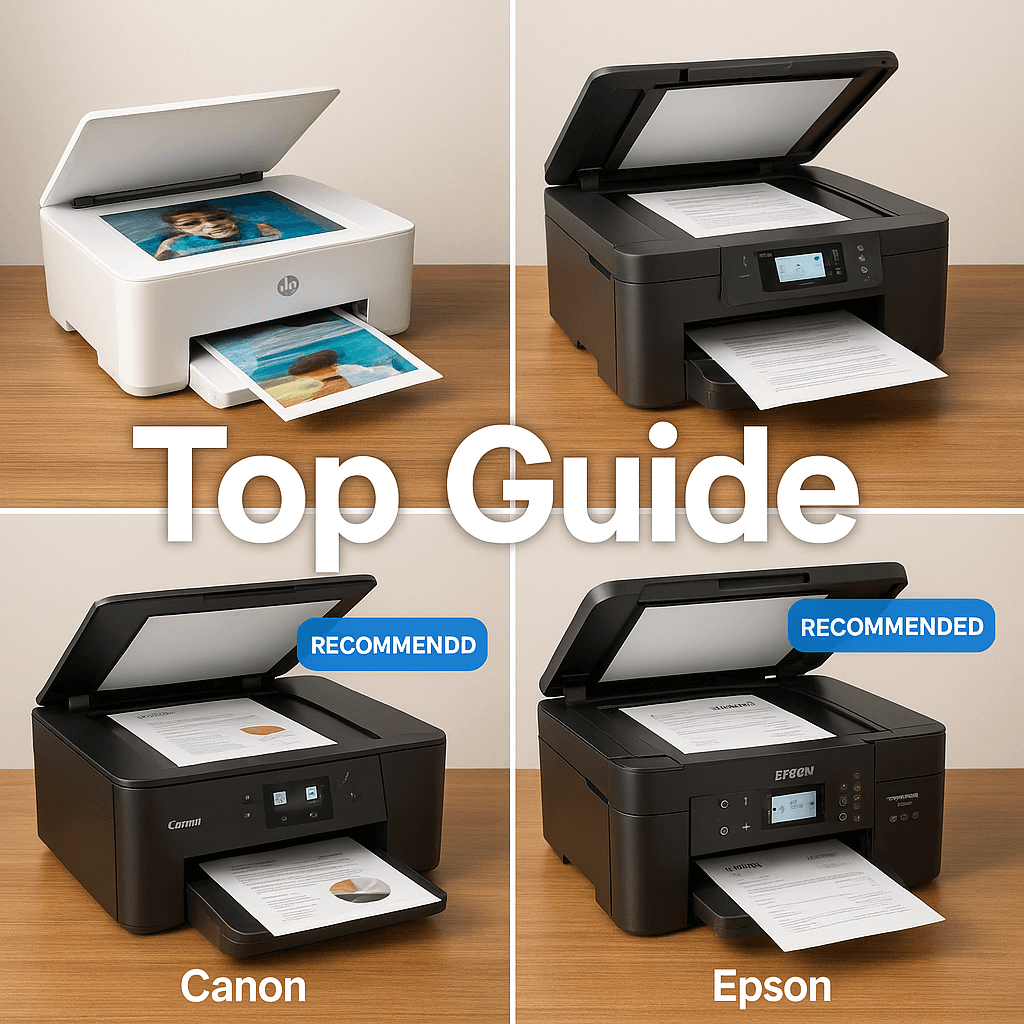
4 best Scan to Email Printer Brands Comparison: Top Guide
Table of Contents
Modern scan-to-email technology transforms how we handle paperwork by instantly converting physical documents into digital files and sending them directly to any email address.
With numerous brands offering this functionality, finding the right printer for your specific needs can be challenging.
This comprehensive guide explores the top scan to email printer brands comparison with capabilities in 2025, comparing reliability, performance, cost, and use-case scenarios to help you make an informed decision.
Disclaimer: If you buy something using the links in this article, I may receive a commission at no extra cost to you.
Know that I only promote stuff that I use and trust for the sake of my readers and the reputation of this site.
Major Printer Brands Overview
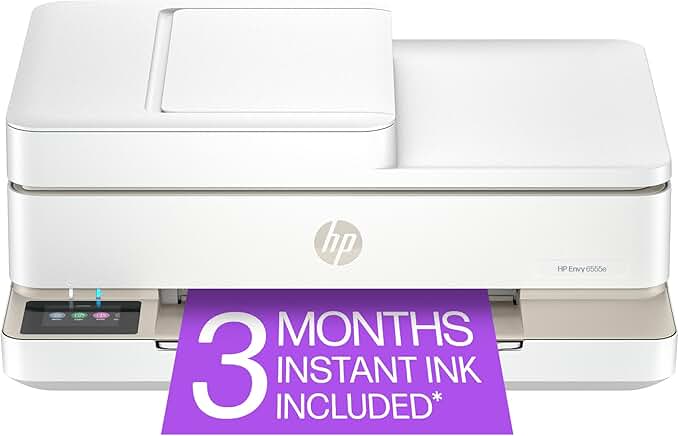
HP: The Market Leader
HP consistently ranks among the most reliable multifunction printer brands in 2025, with their OfficeJet Pro and LaserJet series becoming synonymous with dependability across both home and business environments.
Their extensive range of models with scan-to-email functionality is available at virtually all price points.
Standout Features:
- Straightforward setup process using the intuitive HP Smart app
- Excellent wireless connectivity and mobile integration
- Models like the HP Envy 6555e offer exceptional value with reliable scan-to-email features
Minor Drawback: Requires account creation to access all features, though this tradeoff provides access to a reliable ecosystem with seamless mobile integration.
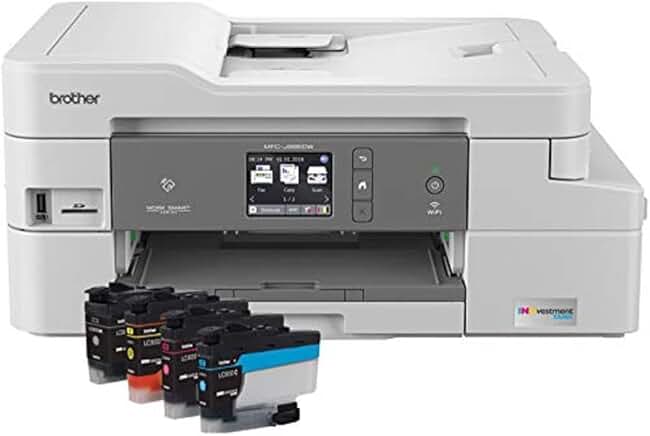
Brother: The Reliability Champion
Brother printers consistently impress with their exceptional durability, with recent reliability surveys showing Brother laser printers have significantly lower failure rates than many competitors.
Standout Features:
- MFC (Multi-Function Center) series models like the MFC-J995DW and MFC-L8905CDW offer excellent scan-to-email capabilities
- Impressive longevity with minimal maintenance requirements
- INKvestment Tank models offer significantly lower running costs
Minor Drawback: Scan-to-email setup process can be slightly more technical than HP’s, though once configured, it rarely needs adjusting.
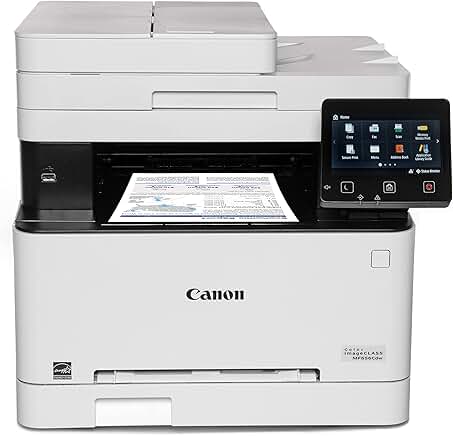
Canon: The Imaging Expert
Canon leverages decades of imaging expertise in their printer lineup, delivering exceptional scan quality across both their PIXMA and imageRUNNER series, with scan-to-email functionality particularly impressive on business-oriented models.
Standout Features:
- Superior scan quality compared to competitors
- The Canon Color imageCLASS MF656Cdw consistently earns high marks for reliable performance
- Outstanding color accuracy in scanned documents
Minor Drawback: Setting up scan-to-email can be more challenging than with other brands, often requiring app passwords for email services like Gmail.
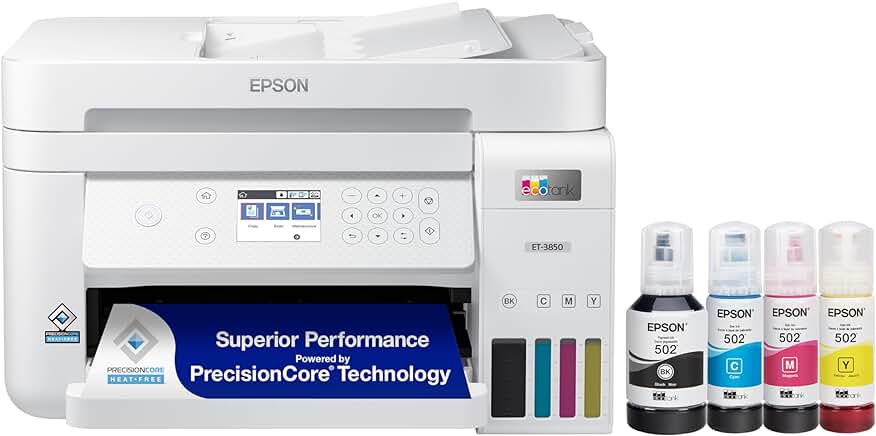
Epson: The EcoTank Pioneer
Epson has revolutionized the printer market with their EcoTank technology, effectively eliminating cartridge replacements while maintaining reliable scan-to-email functionality.
Standout Features:
- Models like the EcoTank ET-3850 and ET-8500 combine reliable scanning with incredibly low running costs
- Excellent scan quality
- Superior long-term value despite higher upfront costs
Minor Drawback: Some Epson models can be slower to warm up from sleep mode compared to laser alternatives.
Scan-to-Email Technology: How It Works
The Magic Behind Paperless Workflow
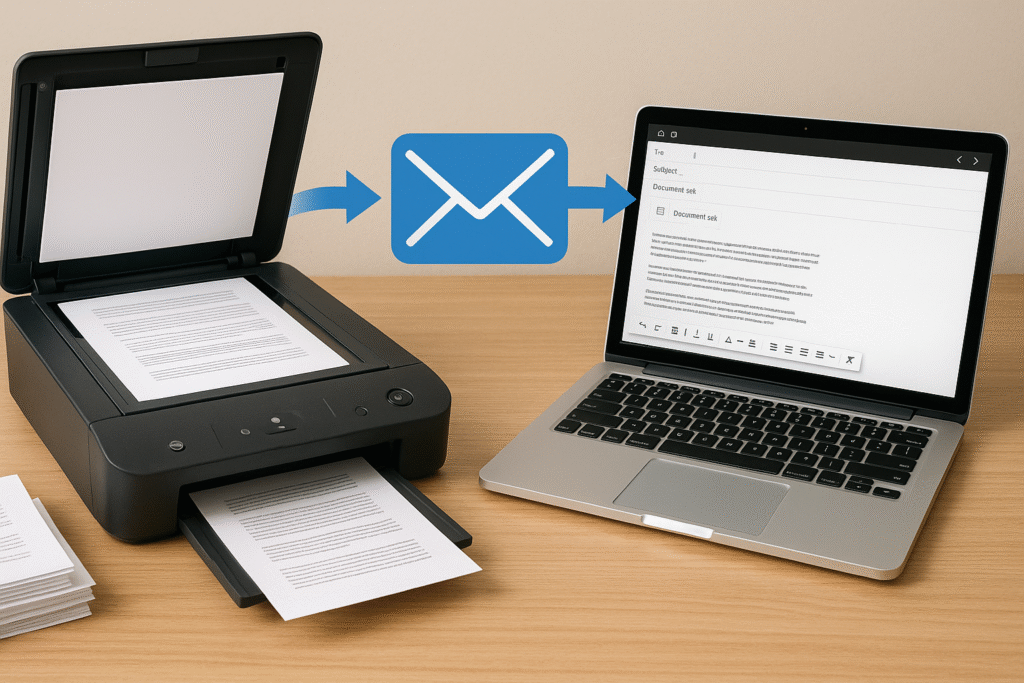
The scan-to-email feature operates through an integration of hardware and networking technology.
When scanning a document, your multifunction printer converts the physical document into a digital file (typically PDF) and uses a built-in email client to send that file directly to any recipient—without requiring a computer intermediary.
Behind the scenes, your printer connects to an email server using SMTP (Simple Mail Transfer Protocol), which handles all the routing and delivery of emails.
Your printer effectively becomes its own email client with this configuration.
The primary advantage is that documents travel straight from paper to the recipient’s inbox, bypassing your computer entirely.
This streamlined workflow saves significant time for tasks like sending contracts, sharing receipts, or distributing meeting notes.
Printers with Built-in Email Addresses
An innovative development in this space is printers with their own dedicated email addresses:
HP ePrint Technology
HP pioneered this approach with their ePrint technology, assigning each printer a unique email address (like yourprinter123@hpeprint.com).
Anyone with this address can send documents to print—even remotely.
Setting up HP ePrint involves connecting your printer to your HP Smart account, enabling the ePrint feature, and receiving a dedicated email address.
You can customize this address for easier remembering, and restrict access to approved senders only for security.
Canon Print from Email
Canon offers similar functionality through their Print from Email service. After registration and activation, your Canon printer receives its own dedicated email address.
While Canon’s implementation requires more technical setup through their web portal, the resulting system works well, especially for travelers needing to send documents to home or office printers.
Epson Email Print
Epson’s Email Print service follows a similar approach, assigning a unique email address through the Epson Connect service.
Epson’s implementation excels at handling attachments, properly processing multiple file types (PDFs, Word documents, images) with good quality and formatting.
Their printers are particularly adept at preserving image quality when printing photos via email.
Brother Web Connect
Brother takes a broader approach with their Web Connect service, integrating email-to-print functionality within a larger platform connecting printers directly to cloud services like Google Drive and Dropbox.
The email print component works through Brother’s “Attach, Email, and Print” feature, providing unique email addresses while offering expanded document management options through cloud integration.
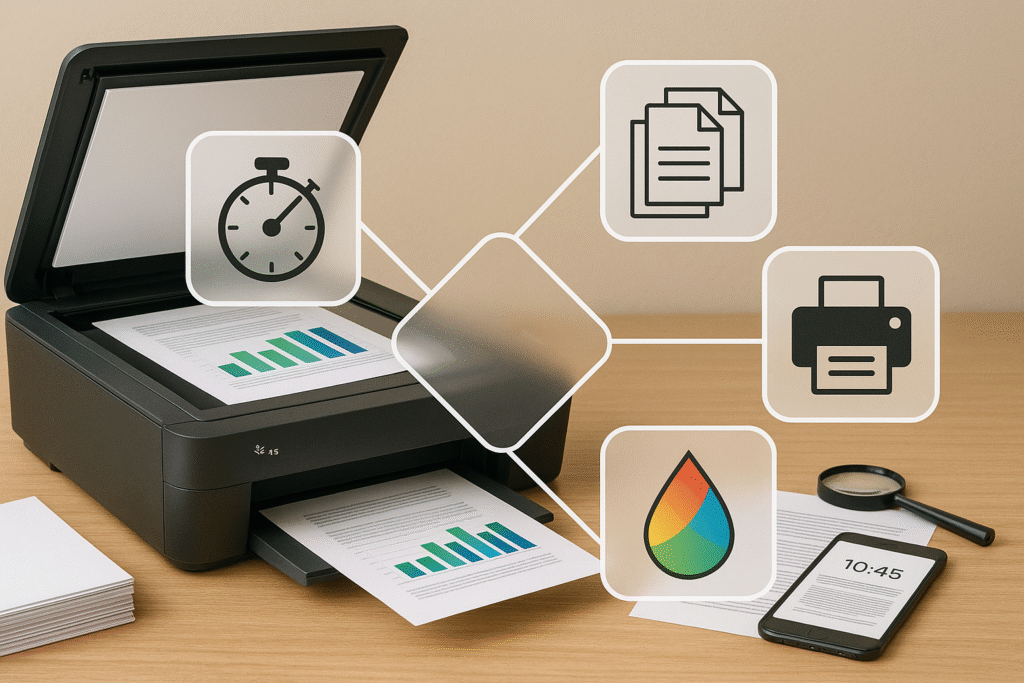
Printer Performance Factors
Print Quality Comparison
The laser vs. inkjet debate continues in 2025, with each technology offering distinct advantages:
Laser Printers:
- Produce razor-sharp text with precise letterforms
- Text appears more professional and resists smudging
- Business documents like contracts and reports look notably more polished
Inkjet Printers:
- High-end models produce text quality acceptable for most home and small business users
- Excel with vibrant photos and color-rich graphics
- Create smooth color transitions and gradients
- Premium models with 5+ ink colors deliver photo quality nearly indistinguishable from professional lab prints
Speed Considerations
Print speed varies dramatically between technologies and models:
Laser Printers:
- Typically print 20-40 pages per minute (entry-level)
- Business-grade models reach 50+ pages per minute
- Require warm-up time as the fuser heats up
Inkjet Printers:
- Typically print 5-15 pages per minute
- Begin printing almost immediately without warm-up time
- Suitable for infrequent users who value immediate response
Durability and Expected Lifespan
Printer longevity varies considerably between technologies and brands:
Laser Printers:
- Greater durability with fewer moving parts in paper paths
- Business-grade models handle tens of thousands of monthly pages
- Drums typically need replacement after 10,000-50,000 pages
- Often provide 5-8 years of reliable service
- Business-grade models potentially last 10+ years with proper maintenance
Inkjet Printers:
- Often use more plastic components and complex ink delivery systems
- Printheads can clog or fail, especially with extended periods of disuse
- Consumer models average about four years of usable life
- Tank-based systems tend to last significantly longer
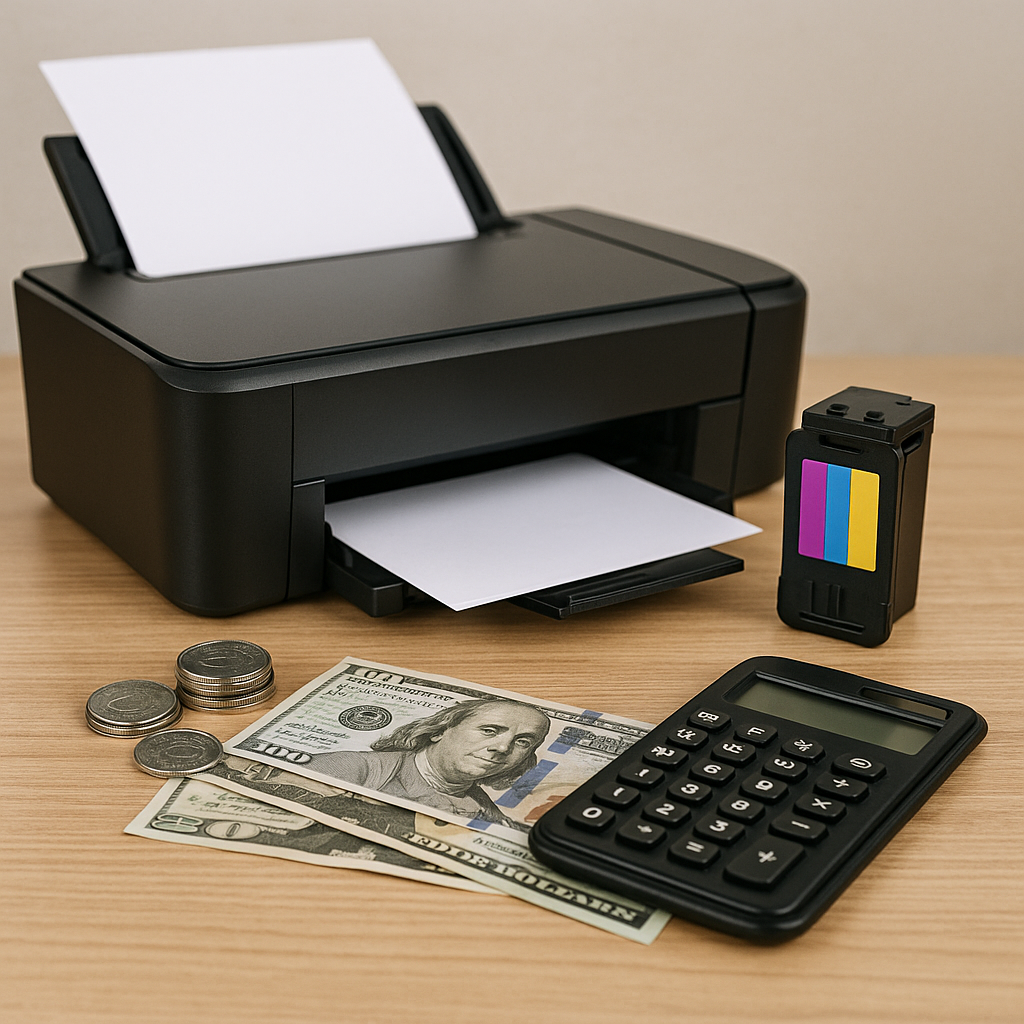
Cost Considerations
Initial Purchase Price Range
- Entry-level inkjet printers: $50-$150
- Mid-range inkjet printers: $150-$300
- Ink tank systems: $250-$400 (premium photo models up to $700)
- Basic laser printers: $150-$200 (monochrome)
- Color laser printers: $300+ (entry models), $400-$1,000+ (business-class)
Traditional cartridge-based inkjet printers typically have the lowest initial prices, as manufacturers often subsidize these devices to generate revenue through ink sales.
Ink/Toner Cost Analysis
Traditional Inkjet Cartridges:
- Black cartridge: $25-$35 (yields 200-600 pages)
- Color cartridge set: $50-$75 (yields 300-400 pages)
- Cost per page (black): 3-12 cents
- Cost per page (color): 10-25 cents
Laser Toner:
- Black toner: $60-$100 (yields 2,500-3,000 pages)
- Color toner set: $250-$400 (yields 1,500-2,500 pages)
- Cost per page (black): 2-3 cents
- Cost per page (color): 10-15 cents
Ink Tank Systems:
- Ink bottles: $12-$20 each
- Black ink bottle yield: 6,000-7,500 pages
- Color bottle yield: 5,000-7,000 pages
- Cost per page (black): 0.3-0.5 cents
- Cost per page (color): 0.7-1.5 cents
Long-Term Ownership Costs
For a five-year period printing approximately 1,500 pages annually:
- Traditional inkjet: $85 (printer) + $350 (ink) + $75 (paper) = $510
- Monochrome laser: $150 (printer) + $100 (toner) + $75 (paper) = $325
- Ink tank system: $280 (printer) + $50 (ink) + $75 (paper) = $405
For higher-volume users (3,000+ pages annually), the cost advantage of ink tank and laser systems becomes even more significant.
Use-Case Recommendations
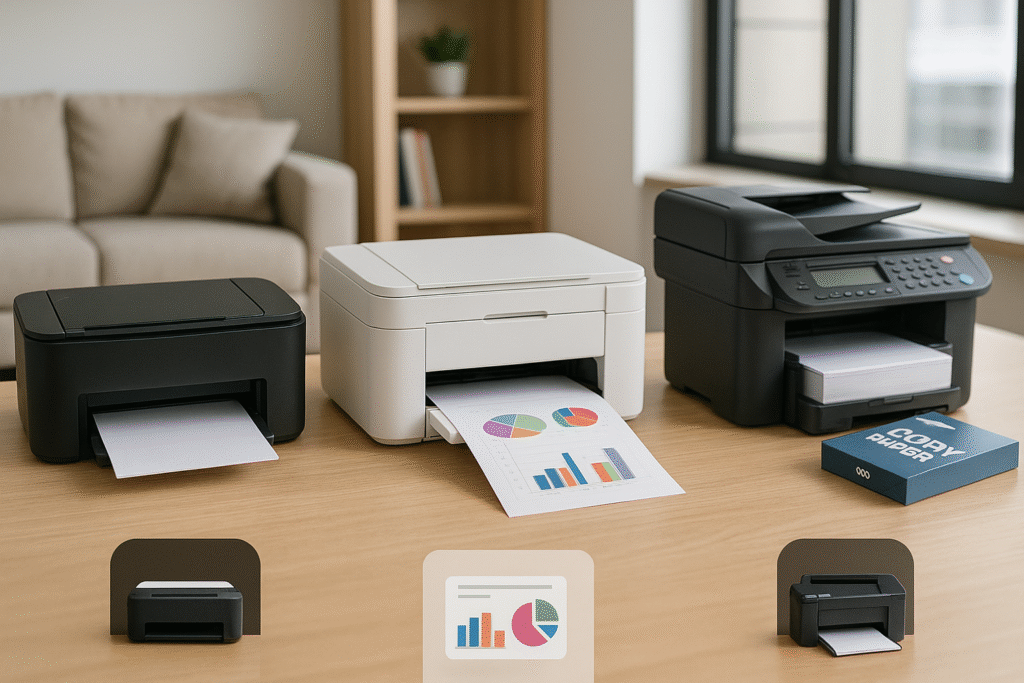
Best All-in-One Printers for Home Use
For homes prioritizing versatility, these all-in-one printers offer the best balance of features and value in 2025:
- Epson EcoTank ET-3850: Consistently rated best overall, combining excellent performance with dramatically lower long-term costs through its refillable ink tank system.
- Canon PIXMA G6020 MegaTank: Outstanding value with a large ink tank system, generous paper capacity, and robust print quality for both documents and photos.
- HP Envy 6455e: Perfect for budget-conscious households seeking reliable printing for both text documents and photos with good scan-to-email functionality.
- Brother MFC-J995DW: Features the innovative INKvestment tank system, reducing ink costs while maintaining solid print quality and reliable scanning capabilities.
When selecting a home printer, prioritize long-term operating costs over initial purchase price.
Models with refillable ink tanks or high-capacity cartridges save hundreds over a printer’s lifetime compared to budget models using expensive standard cartridges.
Top Options for Small Business Environments
Small businesses have different demands—reliability, speed, and lower cost-per-page become critical factors:
- Brother MFC-L8905CDW: This color laser all-in-one handles large print loads with speeds up to 32 pages per minute and produces exceptionally sharp documents with reliable scan-to-email functionality.
- Epson EcoTank Pro ET-5850: Perfect for businesses needing minimal ink costs with versatility for two-sided prints, copies, and high-quality scans sent directly to email.
- HP OfficeJet Pro 9125e: Delivers exceptional speed with business-focused features, producing crisp, clear prints while efficiently handling daily office tasks including advanced scan-to-email capabilities.
- Canon Color imageCLASS MF656Cdw: Provides superior text quality with fast performance, robust business security features, and exceptional scan quality.
For small businesses, consider duty cycle ratings (maximum monthly page capacity) and total ownership cost rather than just upfront price.
A printer rated for 3,000+ monthly pages will deliver more reliable performance in demanding environments than one designed for lighter home use.
Selecting the Right Printer Based on Needs
Rather than focusing solely on brand preferences, evaluate your printing habits across several dimensions:
Volume Assessment:
- Low volume (under 100 pages/month): Standard inkjet or budget laser
- Medium volume (100-500 pages/month): Ink tank system or mid-range laser
- High volume (500+ pages/month): Business-class laser or high-capacity ink tank
Content Type Analysis:
- Primarily text documents: Monochrome laser printers offer best value/quality
- Mixed text and color graphics: Color laser or ink tank systems provide best balance
- Frequent photo printing: Photo-oriented inkjet printers with 5+ ink colors deliver superior results
Feature Requirements:
- Mobile printing needs: Ensure compatibility with Apple AirPrint, Google Cloud Print, or manufacturer apps
- Scanning requirements: Look for models with automatic document feeders for multi-page scanning
- Paper handling: Consider dual trays if you frequently switch between paper types
Conclusion: Making Your Perfect Match
After exploring the landscape of scan-to-email printers in 2025, the “perfect” printer depends entirely on your specific needs and usage patterns.
Whether you prioritize reliability, cost efficiency, print quality, or convenience, there’s an ideal solution for your requirements.
For maximum reliability, Brother laser models consistently lead the industry. For best overall value, HP’s OfficeJet Pro series delivers excellent performance across all metrics.
If scan quality is paramount, Canon’s Color imageCLASS series produces exceptional results.
And for the lowest running costs, Epson’s EcoTank models remain virtually unbeatable.
All major brands now offer scan-to-email functionality, but implementation, reliability, and ease of use vary significantly.
Your specific needs and technical comfort level should guide your decision.
Investing in a reliable brand with seamless scan-to-email implementation can save countless hours of frustration.
Assess your printing habits, volume needs, and budget constraints before making your choice.
With the right printer, you’ll transform your workflow, boost productivity, and streamline your document management process through the efficiency of scan-to-email technology.

Recent Posts

Monday.com Review 2026: Is It Still the Best Work OS?
I tested Monday.com against ClickUp, Asana, and Wr...
Updated July 27, 2026

AI Writing Software for Blogging in 2026: Best Tools + How to Stay AI-Search Vis...
The best AI writing software for blogging in 2026 ...
Updated July 20, 2026

HubSpot Review 2026: Is It Worth the Cost?
I tested HubSpot’s free CRM, Starter, and Pr...
Updated July 20, 2026

Teamwork.com Review 2026: Is It the Best PM Tool for Client Work?
I tested Teamwork.com for agency and client projec...
Updated May 29, 2026

Wrike Review 2026: Is It Worth the Cost?
I tested Wrike in real enterprise workflows. Here&...
Updated May 29, 2026

Asana Review 2026: Is It Worth It? (Honest, In-Depth Analysis)
I tested Asana across real team workflows. Here...
Updated May 29, 2026
Newsletter
Don't miss a thing!
Sign up to receive daily news