

Updated December 18, 2024
Printer Buying Guide: How to Choose an Affordable Printer
Table of Contents
How many times have you found yourself frustrated in the printer aisle, unsure which model will balance cost, functionality, and the reassurance of a reliable warranty offered by specific brands?
We’ve all been there, scrolling through endless reviews and spec sheets, hoping to stumble upon that perfect choice without spending an arm and a leg on something disappointing.
I’ve invested a lot of effort into creating this comprehensive printer buying guide.
By diving deep into different printer types and their specific features, we aim to clear up any confusion.
Considering the warranty terms provided by different brands can further clarify which models are worth your investment.
I’ll explain what each type offers so you know exactly what aligns best with your needs and budget, while also highlighting which brands provide the best warranty coverage for peace of mind.
When buying a printer, consider factors such as the type of printing you need (inkjet vs. laser), ongoing costs like ink or toner cartridges, print speed, and multifunction capabilities like scanning or copying.
A brand’s warranty can be an additional peace of mind when considering these factors.
Additionally, evaluate features like wireless connectivity and ease of use to ensure that the printer meets your specific requirements and fits within your budget.
The warranty offered by brands should not be overlooked as it can save you from unexpected costs in the future.
Disclaimer: If you buy something using the links in this article, I may receive a commission at no extra cost to you.
Know that I only promote stuff that I use and trust for the sake of my readers and the reputation of this site, focusing on brands with reliable warranty options.
Types of Printers Explained
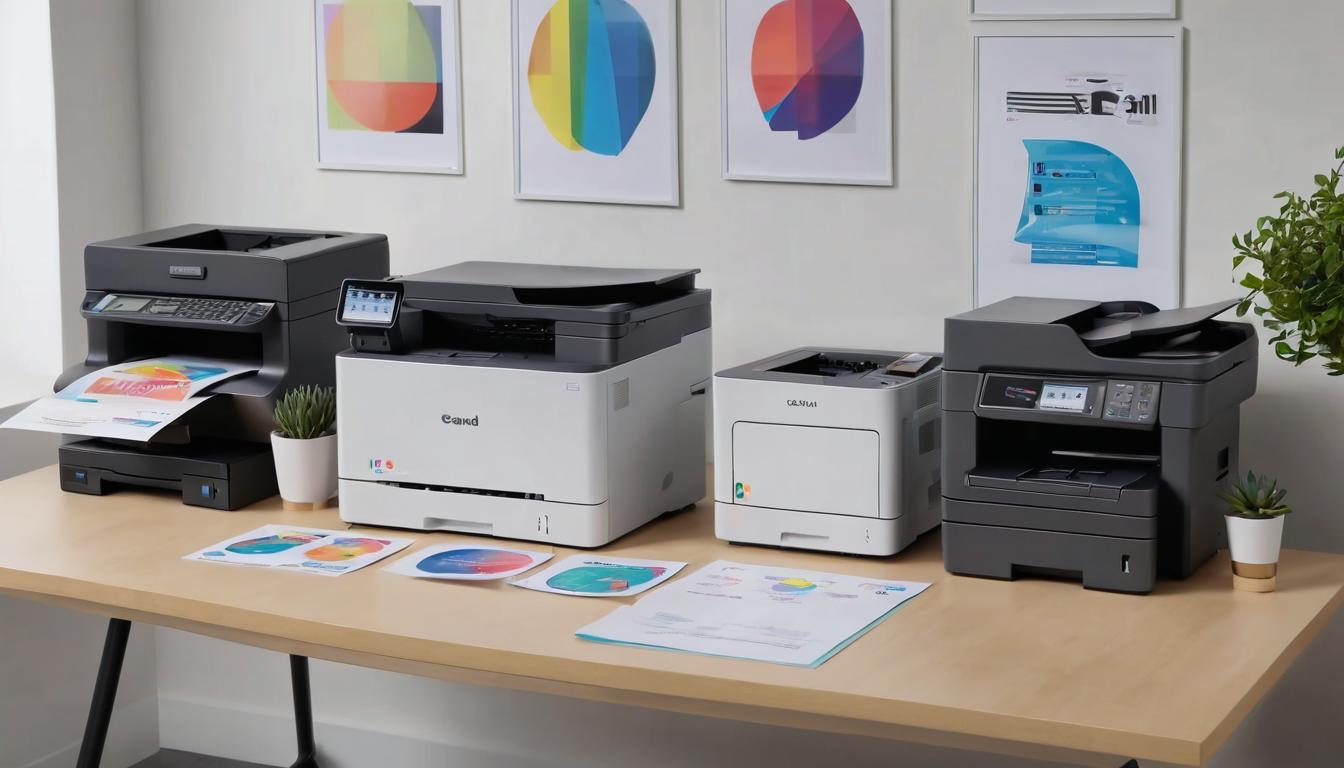
The printer market is rich with choices, and knowing the strengths and weaknesses of each type, including the warranty options offered by different brands, can empower us to make informed decisions.
Let’s begin by examining the three most common types: inkjet, laser, and tank printers.
Inkjet Printers
Inkjet printers are remarkable for their method of printing, which involves spraying tiny droplets of ink onto the paper with precision.
This innovative technology enables them to produce vibrant and high-quality color prints that are particularly noteworthy for photos or graphics.
Choosing a well-known brand that offers a substantial warranty can enhance the reliability of these printers.
Their versatility extends beyond regular paper; they can also handle a variety of media types, such as glossy photo paper and even labels.
They truly shine in home environments where color representation is paramount, which explains their popularity—over 60% of home printer sales in 2022 were dominated by inkjet models, according to Consumer Reports.
However, while they may be affordable upfront, we must keep in mind that the long-term costs for replacement ink cartridges can add up significantly over time.
A warranty can prove beneficial to mitigate some of these future expenses by trusted brands.
As we weigh the advantages of inkjet printers against their potential financial drawbacks, let’s move on to another option that tends to reduce ongoing costs.
Laser Printers
In contrast to inkjets, laser printers leverage toner powder and heated fusers to create text and images on the page.
What sets them apart is their speed and efficiency; they are exceptional for high-volume printing needs and excel at producing sharp text documents quickly.
Brands with strong warranties ensure reliability and longevity for such high-demand tasks.
For businesses or individuals who regularly print reports or documents, laser printers become a strong candidate because they typically operate at a lower cost per page than their inkjet counterparts.
Although laser printers often come with a higher price tag initially, they offer substantial savings over time as toner cartridges can yield thousands of pages before needing replacement.
Opting for a trusted brand ensures your investment is safeguarded by a robust warranty.
While laser printers are ideal for text-heavy documents, let’s consider a newer innovation that addresses ongoing ink costs more directly.
Looking for brands that provide a solid warranty for these newer technologies can enhance your confidence in a wise purchase.
Tank Printers
Tank printers incorporate built-in ink tanks which can be refilled using bottled ink instead of replacing cartridges frequently.
This innovative design not only enhances the capacity of the printer to handle high-volume tasks but also ensures users save money on frequent ink purchases.
This design allows users to enjoy significantly lower ink costs compared to traditional cartridge systems, thereby maximizing their capacity to print more without financial strain.
While the upfront investment for these models is usually higher—ranging from $250 to $500—they pay off in the long run due to reduced ongoing expenses, making them suitable for those anticipating high-volume printing needs without constantly worrying about money spent on ink replacements.
| Printer Type | Best For | Average Upfront Cost | Average Ongoing Cost |
|---|---|---|---|
| Inkjet | Photo printing, color documents | $50 – $200 | $20 – $100/year |
| Laser | High-volume text printing | $100 – $300 | $15 – $50/year |
| Tank | High-volume, low-cost printing | $250 – $500 | $10 – $30/year |
Understanding these differences allows us to assess our unique printing requirements better and manage our money wisely while considering capacity needs.
By evaluating our needs based on volume, type of documents, and budget constraints, we can confidently select the right printer for our situation while ensuring we make the most of our money and capacity.
With a clearer idea of printer types at hand, it’s now essential to identify what exactly you’ll need from your new device to maximize capacity and stay within budget.
This understanding will guide you toward selecting the perfect fit for your specific circumstances, balancing between capacity and money considerations.
Determining Your Printing Needs
Understanding our printing needs lays the foundation for selecting the right printer.
The first aspect we should consider is whether our needs lean more toward home or office use, considering the capacity for printing and the money available for investment.
When we think about home printing, it’s often about occasional document printing along with photos and school projects, where capacity does not need to be as high, allowing us to allocate money elsewhere.
On the other hand, those considering printers for office use typically require capabilities like high-volume printing, fast text output, faxing, and scanning capabilities, where capacity is pivotal, and judicious spending of money becomes a priority.
Use Case Comparison
| Type | Printing Needs |
|---|---|
| Home | Occasional document printing, photos, school projects. |
| Office | High-volume printing, fast text printing, faxing, scanning. |
For example, a family might prioritize a compact, versatile inkjet printer for their home to accommodate everything from holiday photo prints to kids’ assignments, mindful of the money they spend while assessing the necessary capacity.
In contrast, a small business would lean toward a robust laser printer designed to manage various paper sizes and handle heavy workloads seamlessly, focusing on the capacity to handle daily tasks efficiently while optimizing money spent.
Next, we shift our focus from the environment in which we will be using the printer to the frequency of use, impacting both capacity requirements and financial considerations.
Frequency of use is another crucial factor in our printer decision-making process, influencing both capacity needs and money management.
If we find ourselves regularly printing documents and images, choosing a printer with a low cost per page becomes essential, ensuring that both the capacity and money aspects are favorable.
This could lead us toward tank-style printers or laser options which are typically cheaper over time when it comes to ink or toner costs, representing a smart allocation of capacity and money.
Conversely, if we’re infrequent users who only print once in a blue moon, then ease of use alongside lower upfront costs may take precedence over extensive features, allowing us to save money while meeting minimal capacity needs.
By being mindful of how often we print and what kind of materials we produce during that time can significantly influence our satisfaction with our choice later on, as it relates to both capacity and money allocated.
After examining these considerations—home versus office needs and frequency of use—we can now turn our attention to identifying the specific attributes that will serve us best in enhancing our productivity in every printing task, keeping in mind both capacity and money.
Key Features to Consider
Connectivity
One of the most crucial aspects to consider is connectivity.
Today’s printers are equipped with a variety of connection options that provide flexibility and enhance usability while considering the capacity for handling connections efficiently without additional costs.
For those who utilize multiple devices, wireless printing capabilities—like Wi-Fi and Bluetooth—are essential.
These features balance capacity needs with money spent on connectivity options.
This allows users to print directly from smartphones, tablets, or laptops without the hassle of being tethered to a single computer, ensuring you maximize both capacity and savings.
If you run a home office or share a printer among family members, Ethernet connectivity can also provide stable connection speeds for seamless printing experiences, effectively balancing capacity and money aspects.
Print Speed
Another key factor in printer decision-making is print speed, typically measured in pages per minute (PPM).
Suppose you are considering adding a sleek photo printer or an all-in-one device to your setup.
In that case, understanding these metrics becomes even more crucial to ensure it meets your productivity needs.
Laser printers often shine here, boasting impressive speeds of about 20-25 PPM for monochrome prints.
In contrast, inkjet printers usually range from 5-15 PPM; this difference can significantly impact workflow, especially when needing to print numerous documents.
An all-in-one printer may optimize these tasks by combining scanning, copying, and even photo printing, making it a practical choice for diverse needs.
If reports or presentations need to be produced on a tight schedule, focusing on models with higher PPM ratings can prevent unwanted delays.
This is particularly true if you’re utilizing a photo printer to produce high-quality images quickly.
Duplex Printing
It is important to note duplex printing capabilities.
This innovative feature enables automatic double-sided printing which not only saves paper but also provides convenience when preparing materials like booklets or comprehensive reports.
Imagine being able to print an entire document on both sides of the paper with just one command!
For households or offices where printing large quantities is commonplace, this function becomes invaluable in juggling resources efficiently.
With these features outlined, understanding the true costs associated with purchasing and maintaining a printer becomes essential as we explore value in our decision-making process.
Analyzing Costs: Upfront and Ongoing
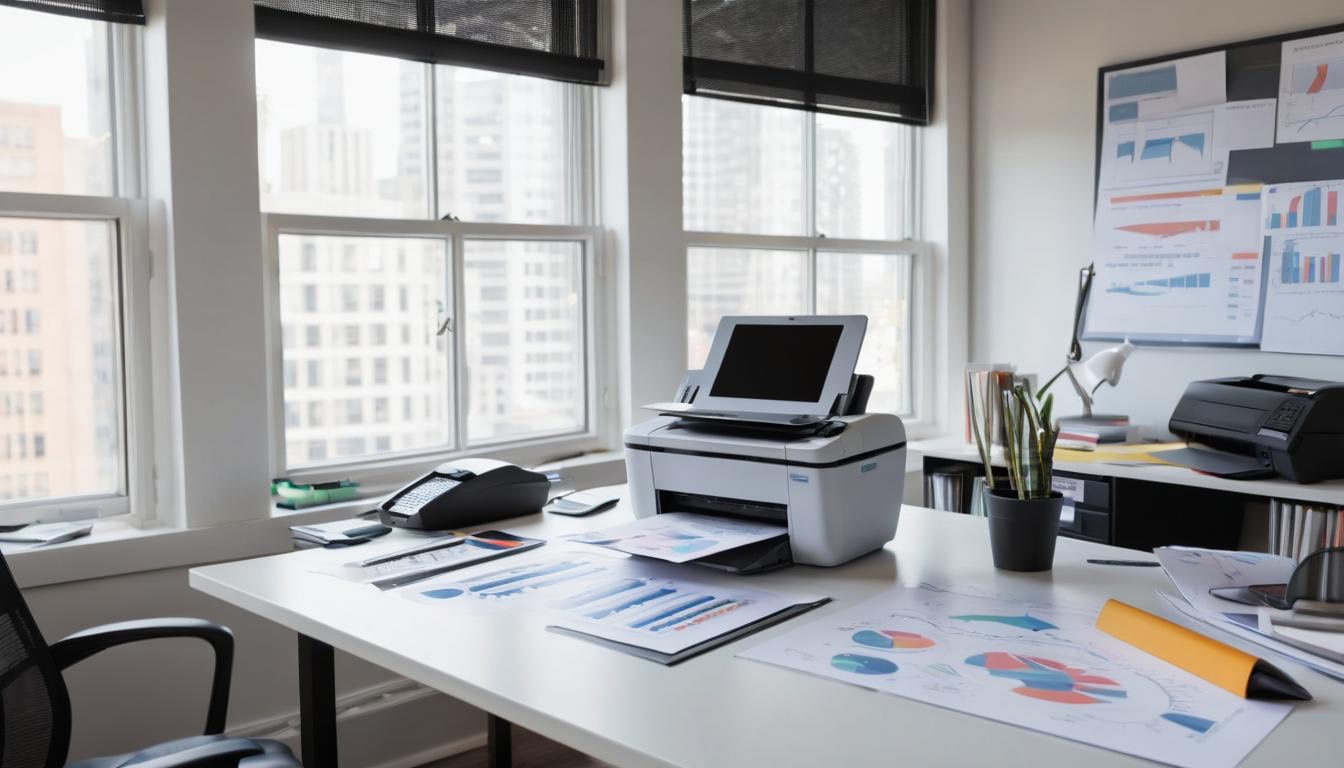
Upfront Cost
When we first look at a printer, the upfront cost is often our primary concern.
This is the price we see on the shelf, but it’s important to dig a little deeper.
Whether you’re choosing a basic model or an advanced all-in-one, these costs vary significantly.
For instance, inkjet printers are generally more affordable, starting around $50 for basic models.
However, prices can soar to $200 or more for advanced versions that offer additional features such as wireless connectivity or photo printing capabilities.
On the other hand, laser printers have a higher initial price range between $100 to $300; yet they frequently reward users with lower operational costs in the long run.
Consequently, investing a bit more initially in a laser printer could mean significant savings on consumables like toner down the road.
An all-in-one model could provide even more substantial savings through consolidating various functionalities into a single device.
Ongoing Costs
After purchasing our printer, we must then consider ongoing costs like ink or toner expenses, maintenance parts, and energy use.
Here’s where it gets interesting: many inkjet users typically spend anywhere from $20 to $100 per year just on ink alone!
While this might not seem too steep at first glance, it can add up over time, especially if we are heavy users.
Conversely, those utilizing laser printers usually find they only need to allocate around $15 to $50 annually for toner.
This stark contrast illustrates how a seemingly low-cost inkjet printer can become a budget burden due to its higher consumable costs.
It’s essential to keep in mind that some printers come with proprietary cartridges that are not only pricey but often harder to find. In our experience, this can lead to situations where we’re left scrambling for compatible options—raising both frustration levels and our overall printing cost. For an all-in-one printer, it’s beneficial to ensure that all necessary components are readily available and reasonably priced.
Additionally, let’s take a moment to think about these costs in perspective.
According to research data gathered by industry experts, while inkjet printers may present an attractive price point initially, the average user ends up spending significantly more over time compared to their laser counterparts.
While it may be tempting to chase after that enticingly low-priced inkjet printer, being mindful of ongoing expenses can reveal potential long-term budget impacts.
As we explore further into what supplies you’ll need for your new printer configuration, we’ll also highlight essential considerations for ink reserves and other related materials.
It’s also important to copy any necessary documentation regarding your printer’s specifications or maintenance guides.
Ink, Toner, and Cartridge Choices
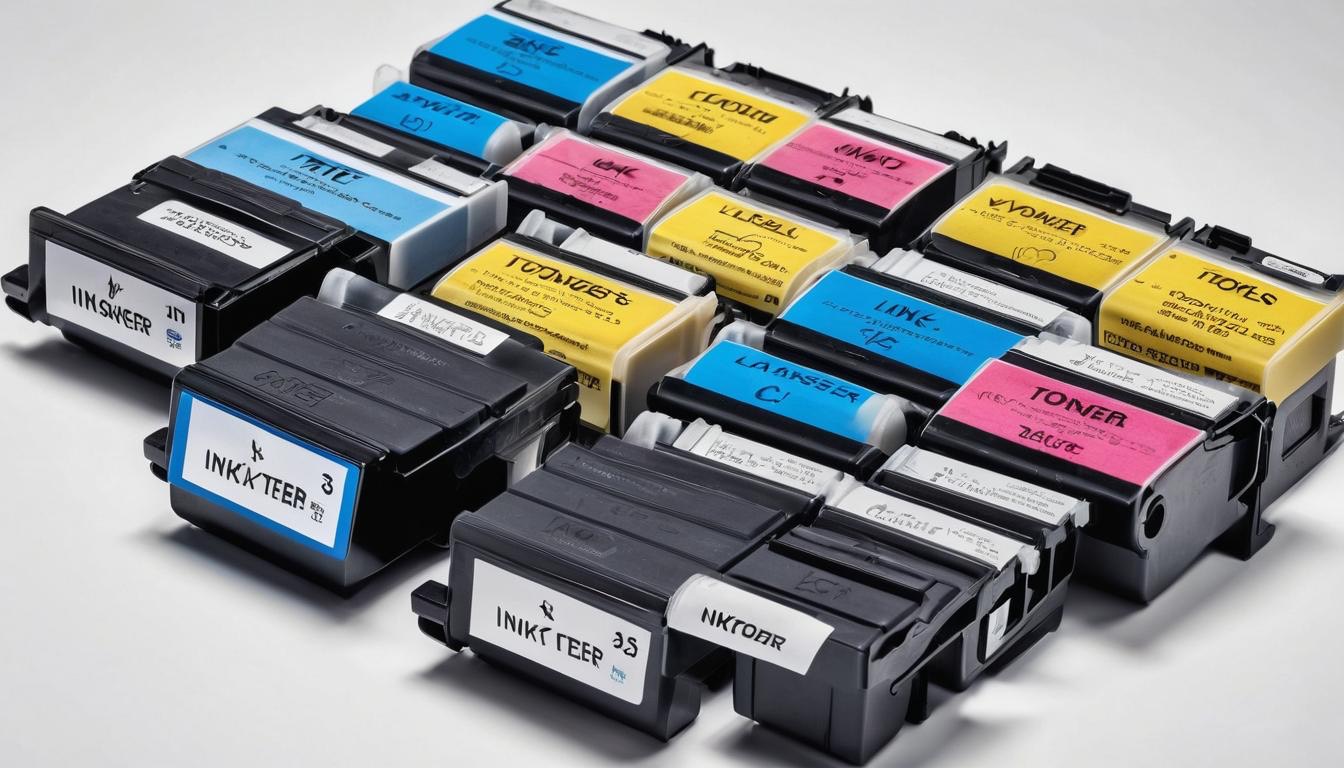
In our quest for the perfect printer, we face various choices regarding consumables.
Ink cartridges are often the most discussed type of consumable.
Among them are original cartridges from the manufacturer and third-party alternatives.
Remember to keep a copy of warranty information when purchasing original cartridges as they tend to provide higher reliability and quality but at a premium price.
On the other hand, third-party options can be appealing due to their lower cost; however, we should tread carefully as they might void warranties or lead to performance issues down the line.
Always keep a copy of any purchase receipts for future reference.
While third-party cartridges can potentially save us up to 50% on costs, studies reveal that these savings come with risks—showing a notable 20% failure rate in high-stress situations.
This statistic begs us to weigh immediate savings against potential frustration.
When selecting ink cartridges, it’s essential to consider their compatibility with our chosen printer model. Be sure to copy this compatibility information for ease of reference.
Ink Cartridges
Original cartridges carry a reputation for reliable performance; however, if we’re looking to lower printing costs without sacrificing too much quality, exploring third-party options can be tempting.
Just remember that if we decide to go this route, it’s wise to read reviews and possibly test a few cartridges before fully committing—all printers respond differently!
Now that we’ve covered ink cartridges, let’s turn our attention to toner cartridges, which offer another dimension for those who frequently rely on printing.
For those of us who print in high volumes, toner cartridges are the real champions. It’s advisable to copy and store any details about your toner usage to anticipate future needs.
Unlike inkjet printers that may require frequent cartridge changes, laser printers equipped with toner allow for thousands of printed pages before needing replacement.
Toner Cartridges
This feature makes them particularly appealing to businesses or home offices where efficiency is important.
The upfront cost may be higher than ink cartridges, but over time, the cost per page diminishes significantly.
Moreover, it’s important to consider branded versus compatible toners as well. Maintaining a copy of any evaluations or comparisons between the two can aid in future decisions.
While original brand toners provide assured performance and quality consistency, opting for compatible toners can still yield solid results if we do our research first.
Finally, let’s not overlook the rising trend of refillable tanks, which adds yet another layer of flexibility and affordability for our printing needs.
Refillable ink tanks can indeed revolutionize our printing experience by dramatically lowering our cost per page. Always copy any relevant instructions or tips on maintaining these systems for optimal results.
One standout option is the Epson EcoTank series—a true game-changer for those who print often.
Although these printers come with a higher initial price tag than traditional models, their long-term savings on ink can quickly offset that investment.
Refillable Tanks
The refillable tank system allows us to purchase larger bottles of ink compared to standard cartridges.
Keeping a copy of the refillable ink bottle types and sources can be beneficial for streamlined purchasing in the future.
One standout option is the Epson EcoTank series—a true game-changer for those who print often.
Although these printers come with a higher initial price tag than traditional models, their long-term savings on ink can quickly offset that investment.
The refillable tank system allows us to purchase larger bottles of ink compared to standard cartridges.
This means less frequent trips to buy replacements and less waste overall—a win-win situation for both our wallets and the environment!
By understanding these options about consumables, you’re better prepared to navigate the intricacies of printer choices available today. Next, we’ll explore various machines tailored for a range of budgets.
Printer Recommendations for Various Budgets
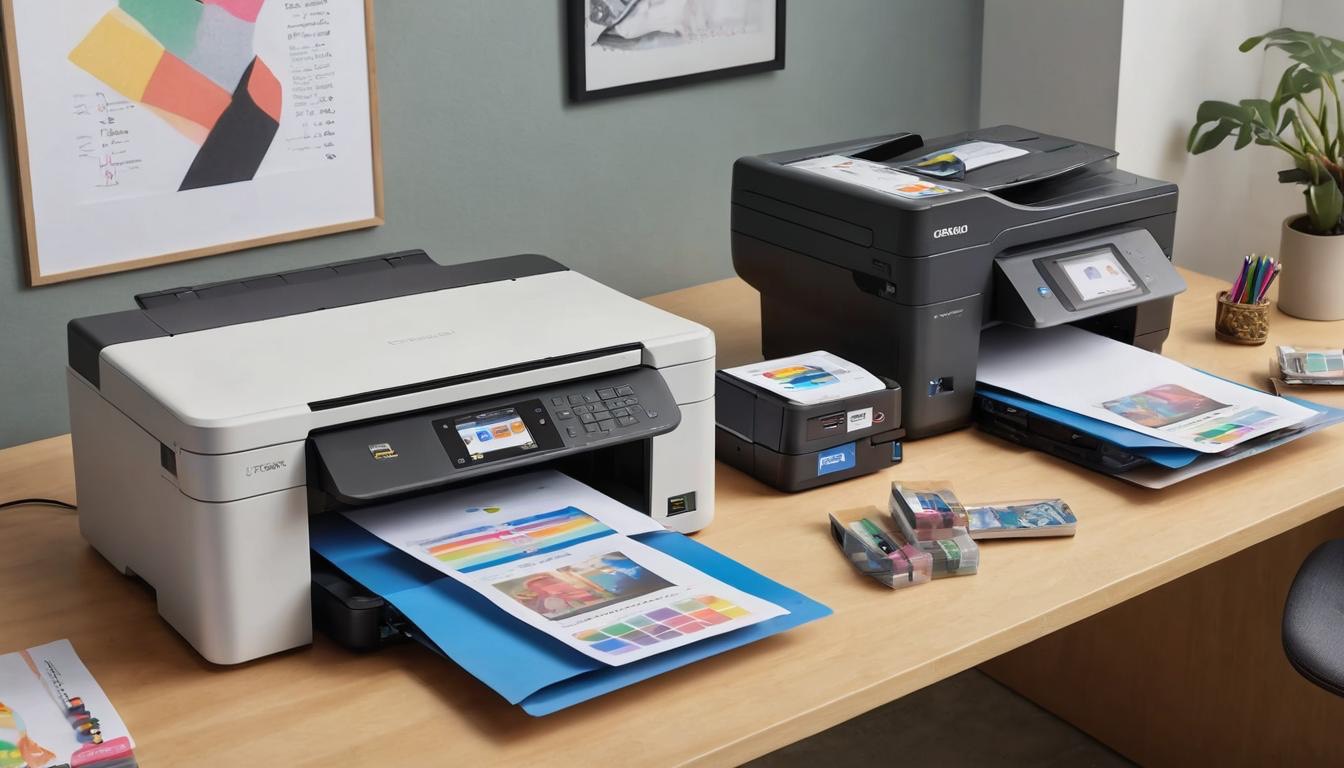
Budget-Friendly ($50 – $150)
For those of us who need a reliable option without overspending, Canon PIXMA and HP DeskJet models shine in this price bracket.
These printers serve as excellent tools for light home use, offering essential functionalities like *Wi-Fi connectivity* and basic scanning capabilities.
We’ve found them ideal for printing school assignments or occasional family photos.
Their affordability can be especially appealing if we want to keep our initial investment low while catering to our everyday printing needs.
However, as our printing demands increase, we may find ourselves wanting something more advanced.
Mid-Range ($150 – $300)
Stepping up to the mid-range tier, we have impressive options like the Epson EcoTank and Brother HL-L2350DW.
These printers provide a significant upgrade in performance—particularly concerning print speed and overall build quality.
We’re talking about machines that can handle larger volumes without sacrificing quality.
From personal experience, these printers excel not just in reliability; they also tend to have lower long-term costs due to their efficient ink systems, making them a savvy choice for both home offices and small businesses.
Yet, as we often discover, sometimes we need even more robust solutions.
High-End ($300+)
When our printing needs escalate, perhaps due to business requirements or a burgeoning creative side hustle, high-end models like the HP LaserJet Pro or Brother MFC-L2750DW come into play.
These advanced machines are designed for efficiency and quality at a professional level.
Users consistently report that they are well worth the investment, providing stellar results for business-level printing needs.
We appreciate features such as rapid printing speeds and impeccable resolution, which significantly enhance productivity.
Plus, with their ability to manage larger print jobs efficiently, they become vital assets instead of simple tools.
As we navigate through the diverse printer landscape, understanding how to set up and maintain these machines seamlessly is crucial for ensuring longevity and optimal performance.
Easy Setup and Maintenance Tips
Ensuring our new printer is up and running smoothly starts with a straightforward initial setup process.
First, after unboxing, we should take a moment to assemble the components carefully, noting how everything fits together like a puzzle.
Next, connecting our printer to the network can be done either through Wi-Fi or an Ethernet cable, depending on our preference for stability or flexibility.
Then, we need to install the required software drivers on our computer; many manufacturers like HP and Canon provide user-friendly mobile apps that make this process almost seamless.
It’s similar to setting up a new gadget—just follow the prompts, and soon we’ll be ready to print in no time.
Once we’ve got our printer operating efficiently, routine maintenance becomes important for maintaining its longevity.
Regular upkeep is vital for keeping our printer functioning optimally.
This includes cleaning the print heads regularly since dried ink can cause clogs that disrupt printing quality.
Simply using the printer’s built-in cleaning function is often enough to keep things running smoothly.
Additionally, replacing cartridges when they are low is essential; waiting too long can lead to poor print quality and potential damage to internal components due to dry ink or over-worked cartridges.
Running diagnostic tests periodically will help us identify any issues before they escalate—often these tests can be performed through the same mobile app used during setup.
To stay on top of these tasks, setting a calendar reminder for monthly checkups has worked wonders; it keeps our printers in top condition without adding much extra work to our schedules.
Understanding sustainable practices in printing provides additional insights into extending our printer’s life while being mindful of environmental impact.
By following these streamlined steps and focusing on regular maintenance, we’ll ensure that our printers not only perform beautifully day-to-day but also last for many years to come.
Investing time at the beginning will yield long-term benefits both for printing quality and sustainability.

Recent Posts

Monday.com Review 2026: Is It Still the Best Work OS?
I tested Monday.com against ClickUp, Asana, and Wr...
Updated May 30, 2026

AI Writing Software for Blogging in 2026: Best Tools + How to Stay AI-Search Vis...
The best AI writing software for blogging in 2026 ...
Updated May 30, 2026

HubSpot Review 2026: Is It Worth the Cost?
I tested HubSpot’s free CRM, Starter, and Pr...
Updated May 29, 2026

Teamwork.com Review 2026: Is It the Best PM Tool for Client Work?
I tested Teamwork.com for agency and client projec...
Updated May 29, 2026

Wrike Review 2026: Is It Worth the Cost?
I tested Wrike in real enterprise workflows. Here&...
Updated May 29, 2026

Asana Review 2026: Is It Worth It? (Honest, In-Depth Analysis)
I tested Asana across real team workflows. Here...
Updated May 29, 2026
Newsletter
Don't miss a thing!
Sign up to receive daily news