
Updated June 13, 2026
AI Trends in 2026: What’s Actually Changing (and How to Use It)
Table of Contents
Three years ago I was writing about AI trends and half the tools I named are now museum pieces. That’s the thing about AI trends in 2026: the pace isn’t slowing, and most “trend” lists are written for a CIO at a Fortune 500, not for someone running a small online business. This isn’t that. I run a content site, I test these tools with my own money, and I’m writing this for you — the solo operator or small marketing team asking which AI shifts actually change what you do this quarter.
So here’s my promise: 8 trends that matter, each with what it is, why it matters to you, and one concrete action. No buzzword tourism. If a trend doesn’t earn its place, I’ll tell you to skip it. If you’re early in the journey, my guide to starting a blog with AI software covers the foundations; Stanford’s 2026 AI Index Report is the data behind a lot of what follows.
| The 8 AI trends that actually matter in 2026 Short on time? Here are the eight shifts I think are worth your attention this year, each with one concrete action in its section below. Agentic AI — the headline shift From AI pilots to AI operations Multimodal as the default GEO: getting cited by AI search AI inside content and marketing workflows Coding agents and no-code building Trust, governance, and transparency AI literacy as a baseline skill |
What is AI, quickly
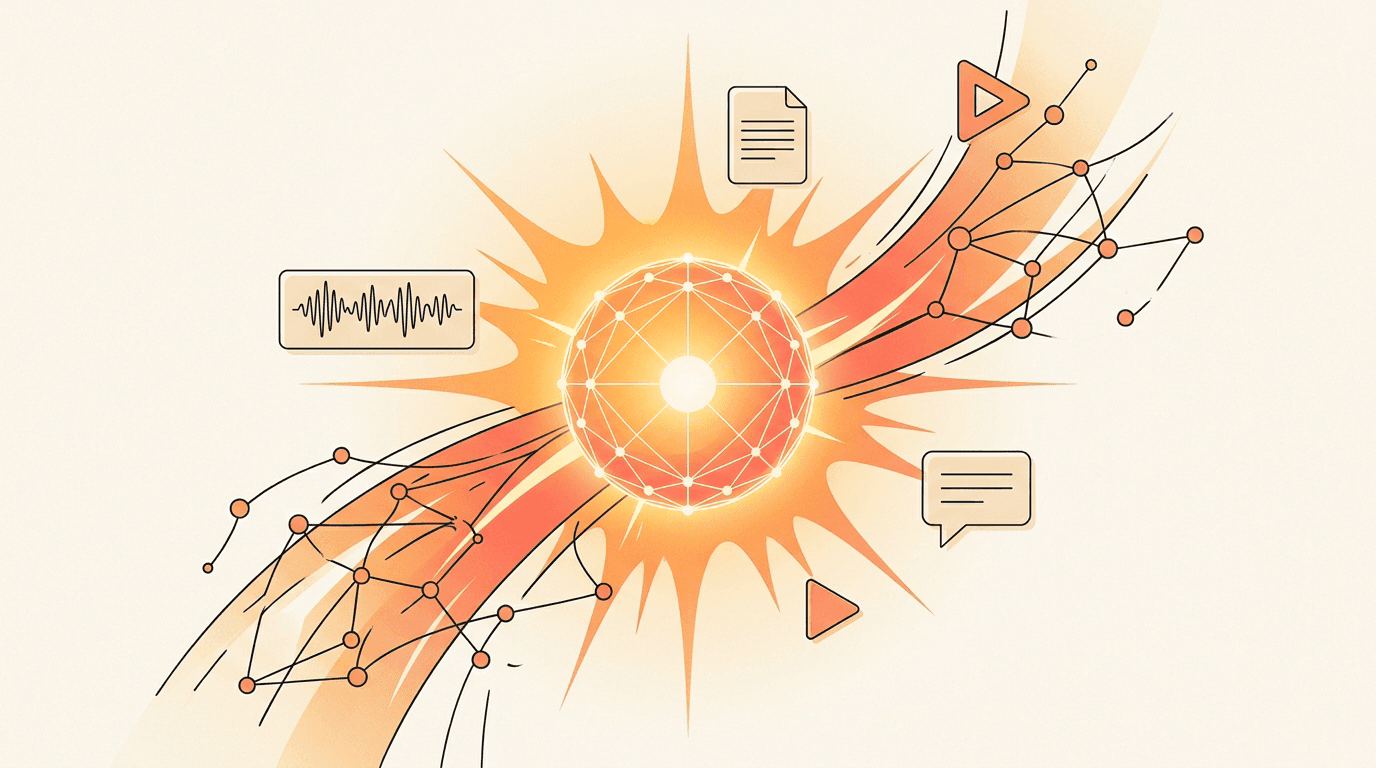
Artificial intelligence is software that performs tasks we used to think needed a human — understanding language, generating images, writing code, making decisions. In 2026 the version that matters for your business is generative and increasingly agentic AI: systems that don’t just answer, but plan and carry out multi-step work. That shift is the through-line for everything below.
The 8 AI trends shaping 2026
I distilled these from the reports every ranking page now leans on — Stanford HAI, IBM, Microsoft, Harvard Business School — and from what’s actually changed in my own workflow. Eight, no filler.
1. Agentic AI — the headline shift
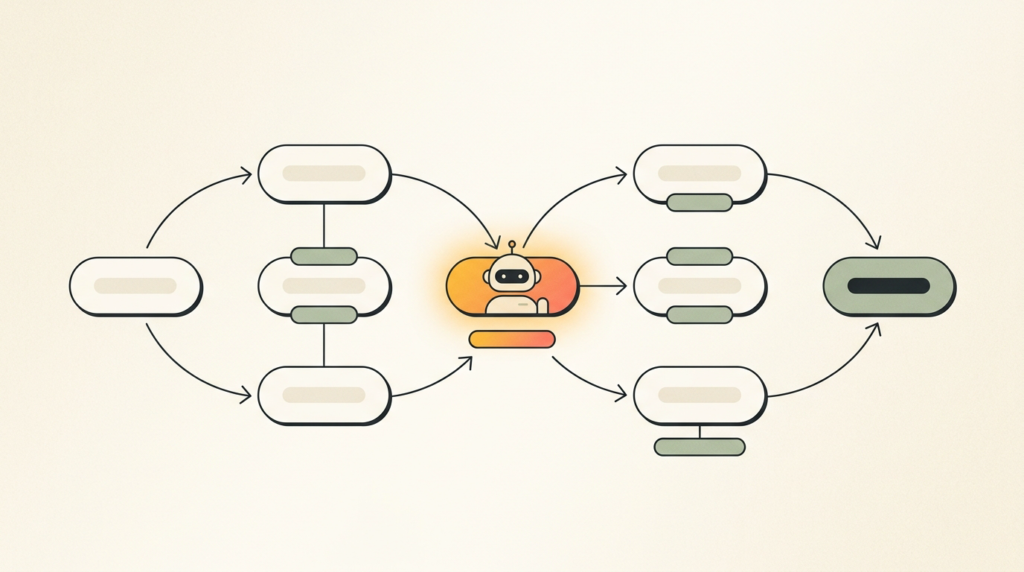
What it is. Agentic AI refers to systems that plan and complete multi-step tasks on their own, not just respond to a single prompt. Think of them as digital coworkers rather than chatbots.
Why it matters to you. This is the defining shift of 2026. Stanford’s AI Index notes agent task success on real computer tasks jumped from 12% to about 66% in a year — a huge leap, though they still fail roughly one attempt in three. Translation: capable enough to delegate real work, not yet enough to leave unattended.
Do this. Pick one repeatable, multi-step workflow you already understand end to end — say, turning a transcript into a draft and a set of social posts — and hand that to an agent first. Don’t start with your messiest process.
Tool I use. I lean on Claude for this. Its Cowork and agent features handle the multi-step stuff, and I can supervise the output instead of doing every step myself.
2. From AI pilots to AI operations
What it is. The experimental phase is ending. 2026 is about running AI reliably as part of how the work actually gets done, day to day.
Why it matters to you. Generative AI is now used in at least one business function at 70% of organizations, per Stanford HAI — but agent deployment is still in the single digits. The winners aren’t the ones dabbling in ten tools; they’re the ones who made one thing dependable.
Do this. Choose a single process to operationalize — write down the steps, the prompt, the review checkpoint — instead of scattering pilots across your whole business.
Tool I use. No new tool here. I use the same assistant (Claude) but with saved instructions and a fixed review step, so the output is consistent enough to rely on.
3. Multimodal as the default
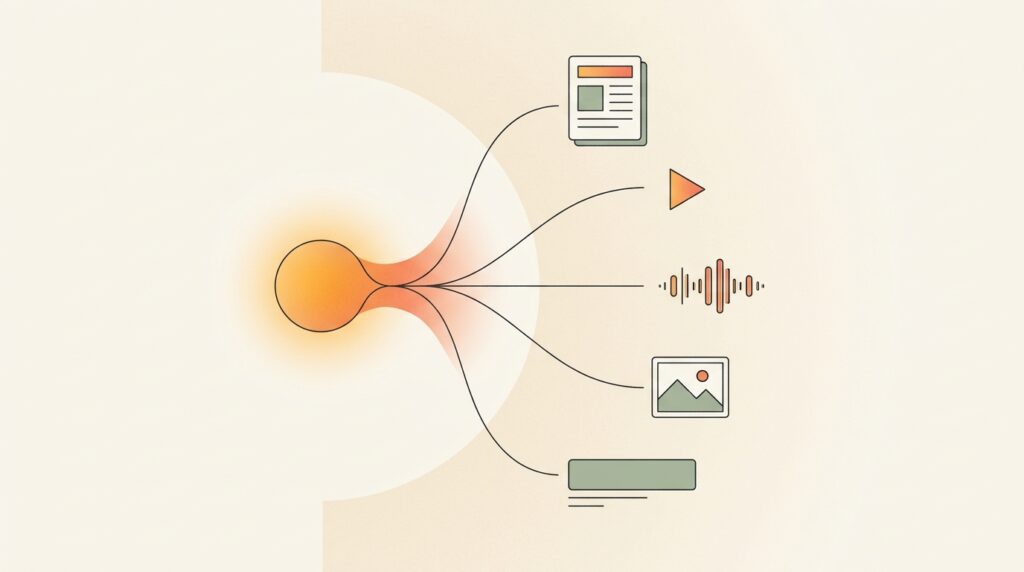
What it is. Multimodal AI works across text, image, audio, and video in one place. In 2026 that’s standard, not a novelty feature.
Why it matters to you. For a small team this is leverage: one idea becomes an article, a short video, captions, and a thumbnail without four separate specialists. You stop paying for four separate skill sets to get one idea out the door.
Do this. Take one piece of content you already have and repurpose it into a second format this week. Video is the obvious one.
Tool I use. For the video side I point people to my breakdown of the best AI video generators and, for cleanup, the AI video editors I rate.
4. GEO: getting cited by AI search
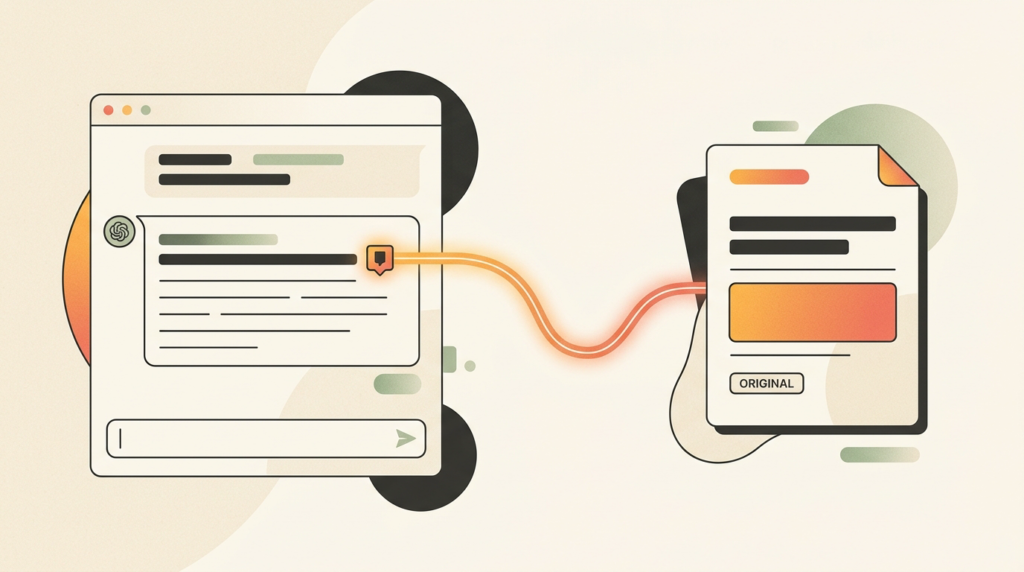
What it is. GEO — generative engine optimization — is structuring your content so AI assistants quote and cite it. It’s the sibling of SEO for a world where people ask ChatGPT, Perplexity, and Gemini instead of scrolling a results page.
Why it matters to you. Buyers increasingly research inside AI assistants before they ever hit Google. If the assistant names a competitor and not you, the ranking you fought for barely matters. Being quotable is the new being findable.
Do this. Restructure one key page to lead with a clear, direct answer and a sourced stat — the format AI engines pull from. I go deeper in the GEO section below.
Tool I use. I keep Perplexity open to watch how AI search answers the questions my buyers ask, and whether it’s citing pages like mine.
5. AI inside content and marketing workflows
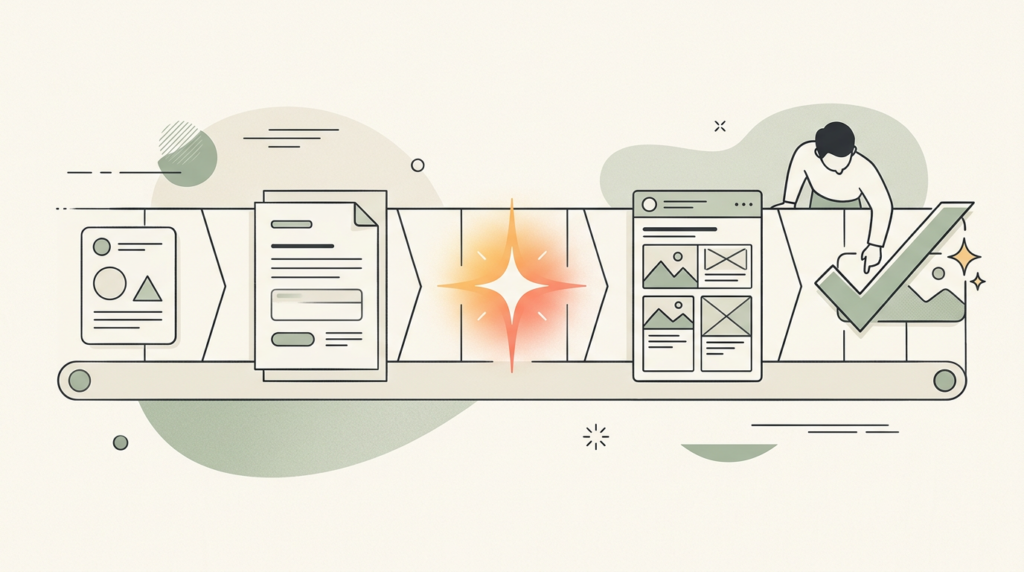
What it is. This is the practical, everyday use of AI for creating, repurposing, and personalizing marketing content. It replaces the old, vaguer “NLP / generative / personalization” buckets with something you can act on.
Why it matters to you. Done well, it removes the blank-page tax and lets one person produce like a small team. Done badly, it floods the web with generic copy that no one — human or AI — wants to cite. The edge is judgment, not volume.
Do this. Add one AI-assisted step to your content pipeline — outlining, or first-draft repurposing — and keep a human edit at the end. If you want the lay of the land, my rundown of the best AI writing software and a primer on how AI writing tools actually work are good starting points.
Tool I use. When I’m producing at volume I use Jasper for on-brand first drafts. For the hands-on workflow, see how I approach AI-assisted content creation.
6. Coding agents and no-code building
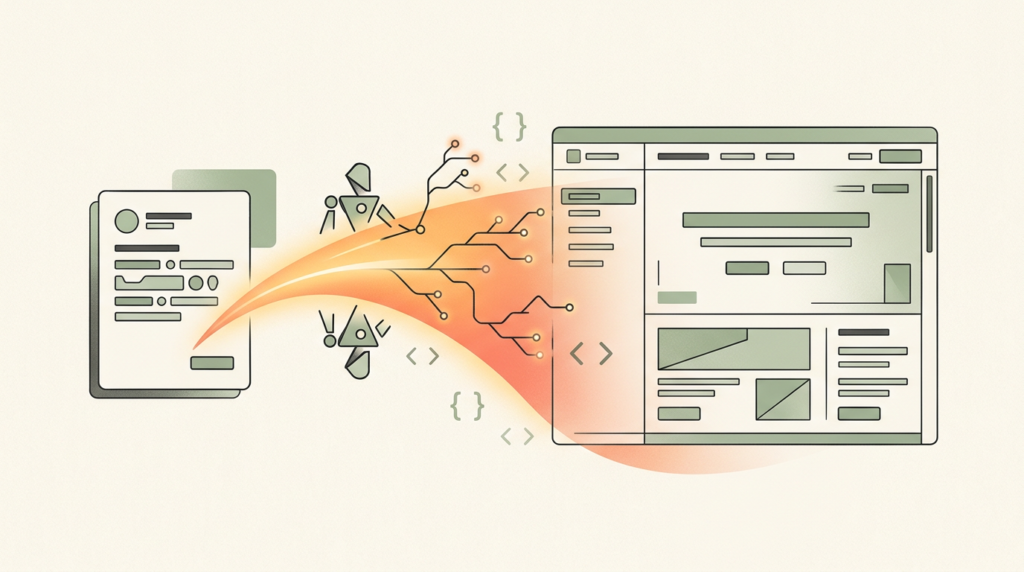
What it is. Coding agents and no-code builders let non-engineers ship working apps, tools, and landing pages by describing what they want. Tools like Claude Code, Replit, and Lovable do the heavy lifting.
Why it matters to you. If you’ve ever paid a developer for something small and waited two weeks, this is the trend that changes your math. You can prototype the thing yourself and only bring in help when it’s worth it.
Do this. Prototype one small tool you’d normally outsource — a calculator, a signup page, a simple internal dashboard.
Tool I use. I build with Claude Code (it reads a whole project, not just a snippet) and use Replit when I want to get something running in the browser fast.
7. Trust, governance, and transparency
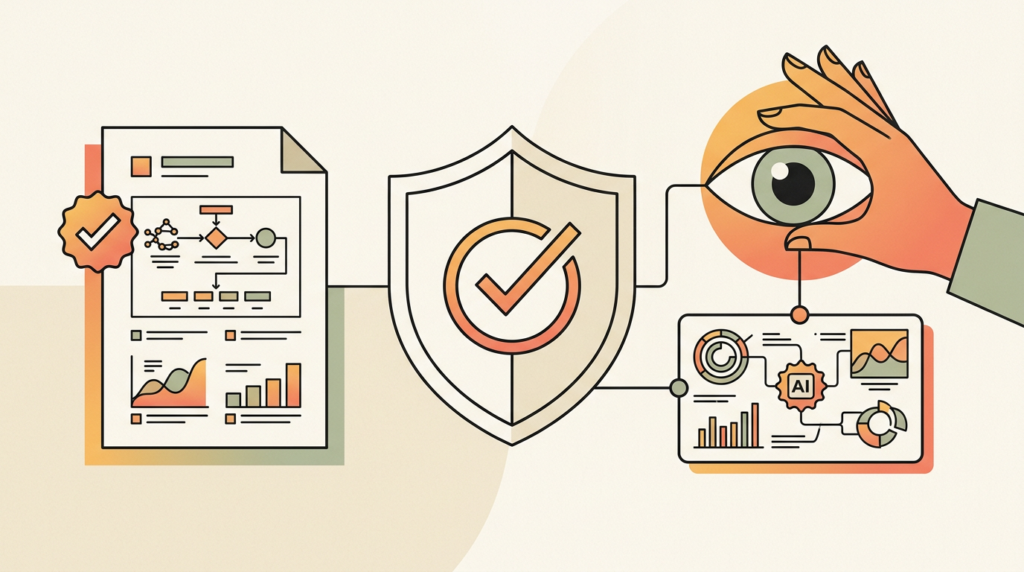
What it is. This covers explainability, disclosure, and human oversight of AI — the “can you trust the output, and can you show your work” side of the technology.
Why it matters to you. Buyers and regulators increasingly want to know when AI was involved and who checked it. For a small business this isn’t bureaucracy — it’s a cheap trust signal that the big, faceless content mills won’t bother with.
Do this. Write a one-paragraph policy: where you use AI, and the fact that a human reviews anything published. That’s it — don’t over-engineer it.
Tool I use. No paid tool needed. The mindset matters more; my take on where AI writing still needs a human walks through the review habit I use.
8. AI literacy as a baseline skill
What it is. AI literacy is simply knowing how to use these tools well — prompting, judging output, and redesigning your work around them. It’s becoming table stakes, not a specialty.
Why it matters to you. Harvard Business School’s Tsedal Neeley put a number on it: at minimum, everyone needs about a 30% AI mindset — enough fluency to use the tools, ask good questions, and interpret what comes back. The durable advantage isn’t any single app; it’s the habit of staying current.
Do this. Build a small weekly learning habit — 30 minutes, one tool or technique. Reading this is step one.
Tool I use. No tool to buy. This is the one trend where the “tool” is your own attention.
How to actually start (a do-this-first sequence)
If all eight feel like a lot, here’s the order I’d run them in for a small team. The whole point is one thing at a time:
- Pick one repeatable workflow and hand the first draft to an AI assistant (Trend 1).
- Make that one workflow dependable before adding a second — saved prompt, fixed review step (Trend 2).
- Add one AI-assisted step to your content pipeline and keep a human edit at the end (Trend 5).
- Restructure one important page to be quotable by AI search (Trends 4 + the GEO section).
- Block 30 minutes a week to keep learning (Trend 8).
That’s a quarter’s worth of work, not a weekend’s. Resist the urge to do all of it at once — the operators who win in 2026 go deep on a few things, not shallow on everything.
Tools worth paying for in 2026
These are the tools I actually use, mapped to the trends above. I’ve been careful with the “free plan” versus “free trial” language, because the difference matters when you’re budgeting. Prices verified in June 2026; always confirm at signup, since they move.
| Tool | Best for (trend) | What I use it for | Entry price |
| Claude | Agentic AI; coding | My day-to-day assistant for drafting, research, and multi-step tasks; Claude Code for building. | Free tier; Pro $20/mo ($17/mo annual) |
| Perplexity | GEO / AI search | Seeing how AI engines answer buyer questions and whether they cite sources like mine. | Free tier; Pro $20/mo ($200/yr) |
| Jasper | Content workflows | On-brand first drafts and repurposing when I’m producing at volume. | No free plan; 7-day trial. Creator $49/mo ($39/mo annual) |
| Surfer | Content + SEO | Structuring articles so they’re thorough enough to rank and get quoted. | No free plan; 7-day guarantee. Essential $99/mo ($79/mo annual) |
| Replit | No-code building | Prototyping a small tool or landing page without standing up infrastructure. | Free tier; paid plans from ~$20/mo (verify at signup) |
A note on free tiers: Claude and Perplexity both have genuinely useful free plans — you can do real work before paying. Jasper and Surfer don’t; they offer trials/guarantees, so treat those as evaluation windows, not free tools.
GEO: optimizing to be cited, not just ranked
Generative engine optimization (GEO) is the practice of structuring content so AI engines — ChatGPT, Perplexity, Gemini, Claude, Copilot — quote and cite it in their answers. It matters now because buyers research inside those assistants before they ever land on a search results page, so being the source an AI names can beat ranking third in Google.
Three things that consistently help, in my experience:
- Lead with the claim. Put a clear, direct answer in the first sentence of a section — AI engines pull the cleanest answer, not the longest preamble.
- Source your statistics. A figure with a named, linked source is far more likely to be quoted than an unattributed one.
- Use real question-and-answer formatting. Phrase headings as the questions people actually ask, then answer them tightly underneath.
If you want to go deeper, I’ve written about how AI writing and SEO fit together — it’s the natural next read, and it’s where GEO and traditional search optimization actually overlap.
The bottom line on AI trends in 2026
If you take one thing from this: in 2026, AI stopped being something you experiment with on the side and became part of how the work gets done. The eight trends above all point the same direction — toward operators who pick a few high-value uses and go deep, rather than chasing every shiny launch. You’ll see a lot of noise this year about whether AI is a bubble about to burst; maybe it is for investors, but it changes nothing about what these tools do for you on Monday morning. Tune it out and keep shipping.
You don’t need to act on all eight this quarter. Start with one workflow, make it reliable, and build the learning habit. As Harvard’s research put it, the people who use AI well will out-compete the people who don’t — and the gap is mostly about showing up and staying current. That part’s on you.
Frequently asked questions
What are the biggest AI trends in 2026?
The biggest AI trends in 2026 are agentic AI (systems that complete multi-step tasks), the move from AI pilots to AI operations, multimodal as the default, GEO/AI-search optimization, AI in content workflows, coding and no-code agents, trust and governance, and AI literacy as a baseline skill. Agentic AI leads the list.
What is agentic AI?
Agentic AI describes systems that plan and carry out multi-step tasks on their own, rather than just answering a single prompt — effectively a digital coworker. For example, an agent can take a meeting transcript, draft a summary, and create social posts from it. Stanford’s 2026 AI Index found agent task success rising sharply but still imperfect.
What is GEO (generative engine optimization)?
GEO is optimizing your content so AI engines like ChatGPT, Perplexity, Gemini, and Claude quote and cite it in their answers. As more buyers research inside AI assistants, being the cited source matters as much as ranking in Google. The tactics are clear claim-first structure, sourced statistics, and direct question-and-answer formatting.
How can a small business start using AI in 2026?
Start with one workflow, not ten. Pick a single repeatable, multi-step task you understand well, hand the first draft to an AI assistant, and add a human review step. Make that one process reliable before adding another. The action plan earlier in this article lays out the full do-this-first sequence for a small team.
Will AI replace marketers and online business owners?
Probably not directly — but people who use AI well will out-compete people who don’t. That’s the honest framing from Harvard Business School: the risk isn’t the tool replacing you, it’s a competitor with AI fluency moving faster than you. Building a basic AI habit is the realistic insurance.
Sources
- Stanford HAI — 2026 AI Index Report (overview) — https://hai.stanford.edu/ai-index/2026-ai-index-report
- Stanford HAI — 2026 AI Index Report, Economy chapter (70% of organizations; single-digit agent deployment) — https://hai.stanford.edu/ai-index/2026-ai-index-report/economy
- Harvard Business School, Working Knowledge — AI Trends for 2026 (Tsedal Neeley, “30% AI mindset”) — https://www.library.hbs.edu/working-knowledge/ai-trends-for-2026-building-change-fitness-and-balancing-trade-offs

Recent Posts
Monday.com Review 2026: Is It Still the Best Work OS?
I tested Monday.com against ClickUp, Asana, and Wr...
Updated July 21, 2026
AI Writing Software for Blogging in 2026: Best Tools + How to Stay AI-Search Vis...
The best AI writing software for blogging in 2026 ...
Updated July 20, 2026
HubSpot Review 2026: Is It Worth the Cost?
I tested HubSpot’s free CRM, Starter, and Pr...
Updated July 20, 2026
Teamwork.com Review 2026: Is It the Best PM Tool for Client Work?
I tested Teamwork.com for agency and client projec...
Updated May 29, 2026
Wrike Review 2026: Is It Worth the Cost?
I tested Wrike in real enterprise workflows. Here&...
Updated May 29, 2026
Asana Review 2026: Is It Worth It? (Honest, In-Depth Analysis)
I tested Asana across real team workflows. Here...
Updated May 29, 2026
Newsletter
Don't miss a thing!
Sign up to receive daily news